

- Client
- Foodlace
- Role
- UX/UI design
- Scope
- UX architecture, responsive interface design and interactive prototyping
- Year
- 2022
- Tools
- FigmaPhotoshopBlender
Context
Designing food delivery around the realities of the moment.
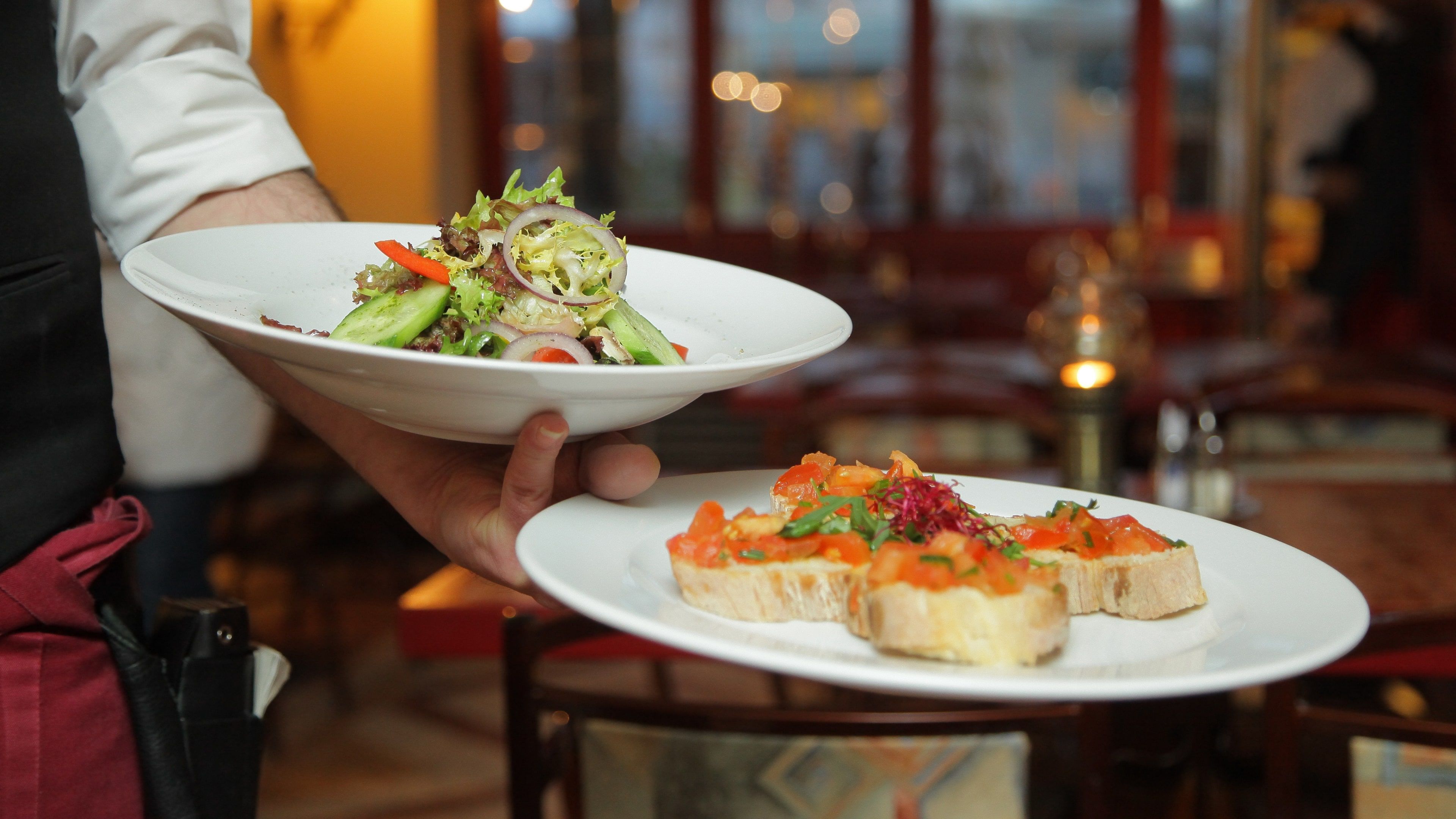
I designed Foodlace for a client: a food-delivery web app for busy professionals in Nigeria’s largest cities, mostly people aged 20 to 35 who wanted lunch or a late dinner brought to the office or home from restaurants they already liked, in under an hour.
What those customers could do kept changing. It depended on where they were, which restaurants delivered there, which of those were open, and whether an order was already on its way.
I designed the app around those conditions, so each screen starts from the customer’s situation at that moment and shows what they can actually order or do.



This is how Foodlace evaluated my work
The passion Kate puts into her work is impressive. Thank you for all you've done for us.
Problem
What you can order depends on where you are, and when.
A food-delivery app can’t show every customer the same screens. Location decides which restaurants are relevant at all. Opening hours decide whether you can order from one right now. Once an order is placed, browsing stops mattering and what you want to know is where your food is.
The structure had to cover all of those states and still feel simple to someone ordering lunch on their phone.


Approach
A UX architecture that follows the situation.
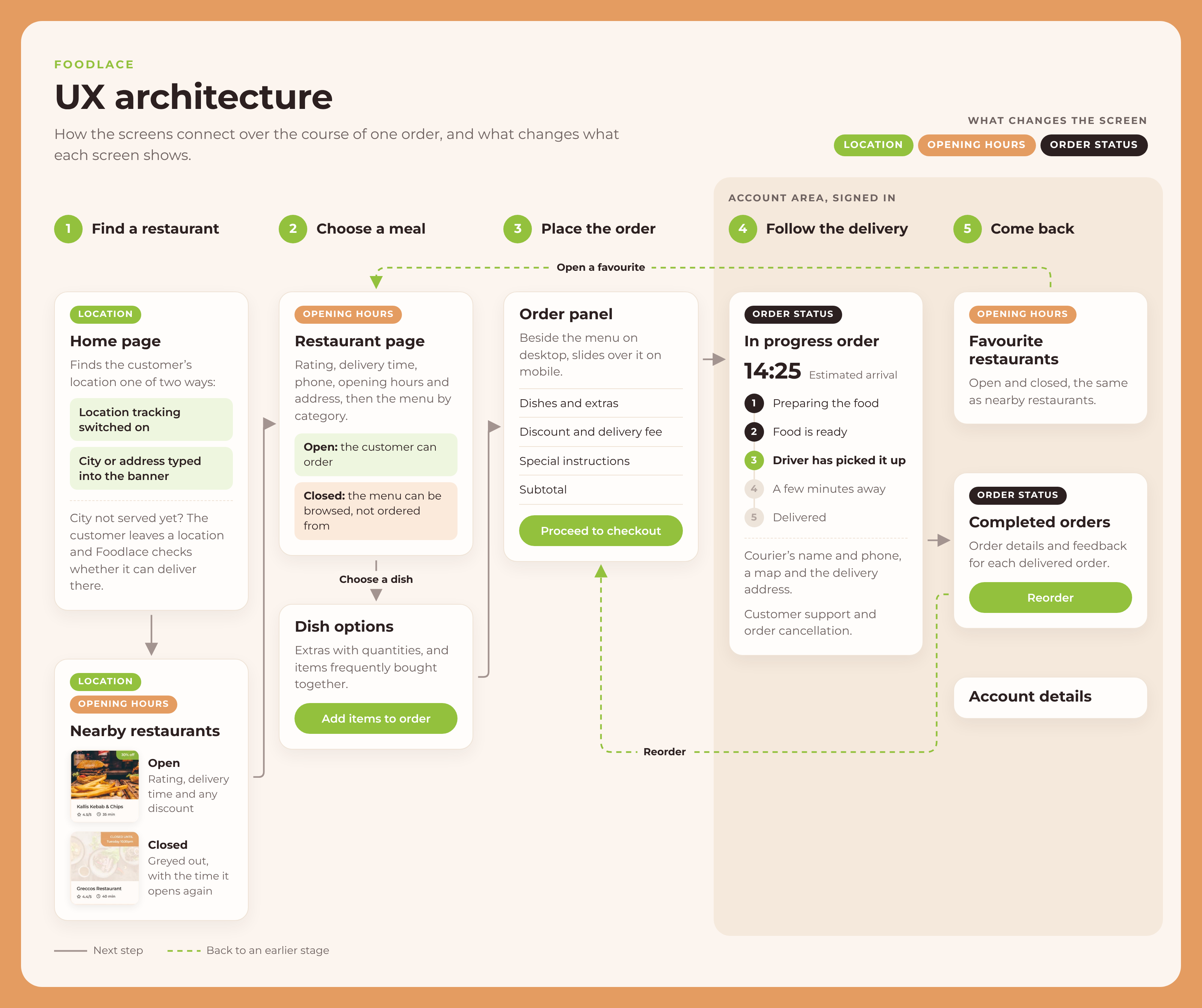
I organised the app around what the customer is trying to do at each point: finding a restaurant, choosing a meal, placing the order, following the delivery and coming back to past orders. The diagram below maps those stages and marks what changes each screen.
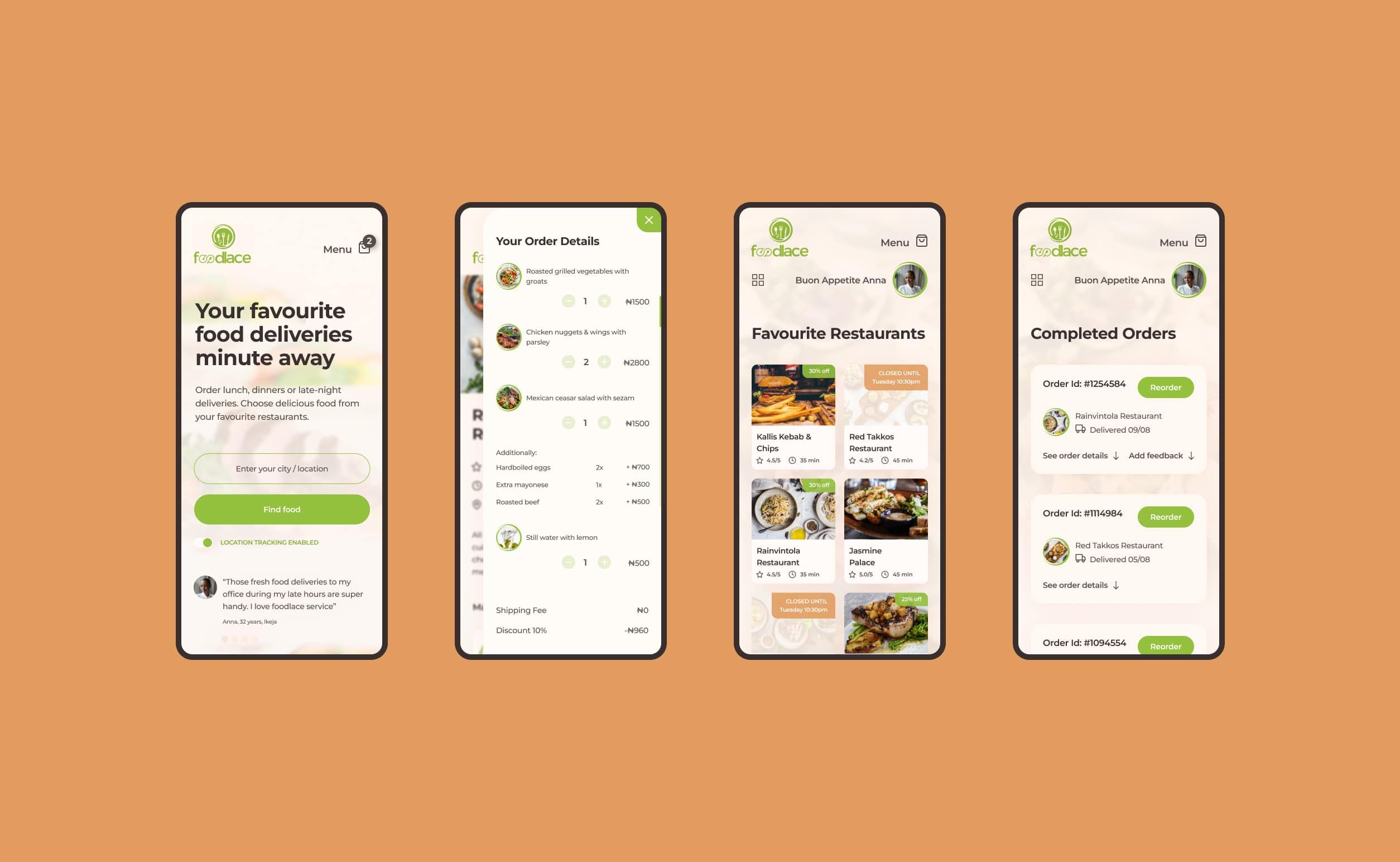
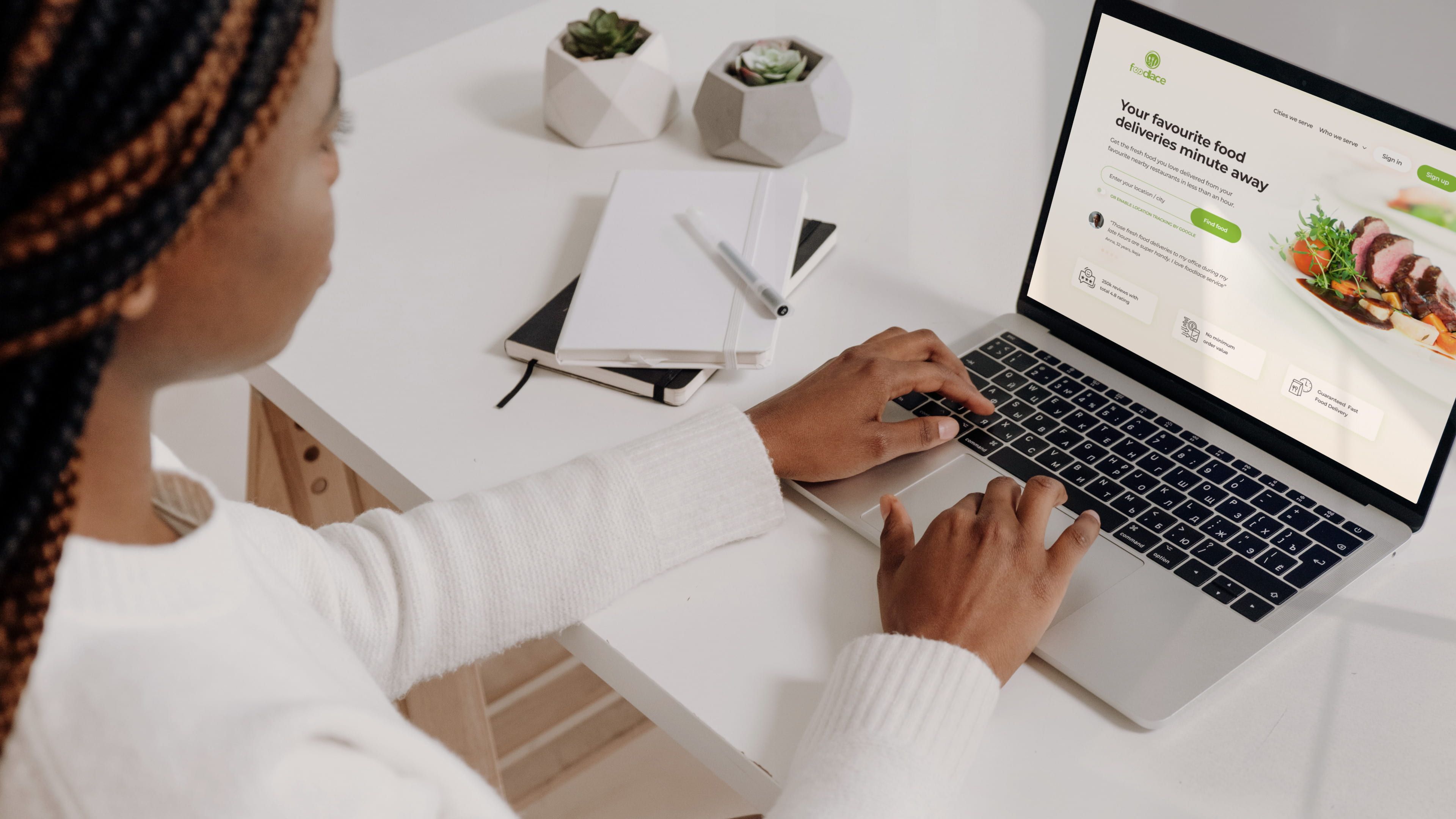
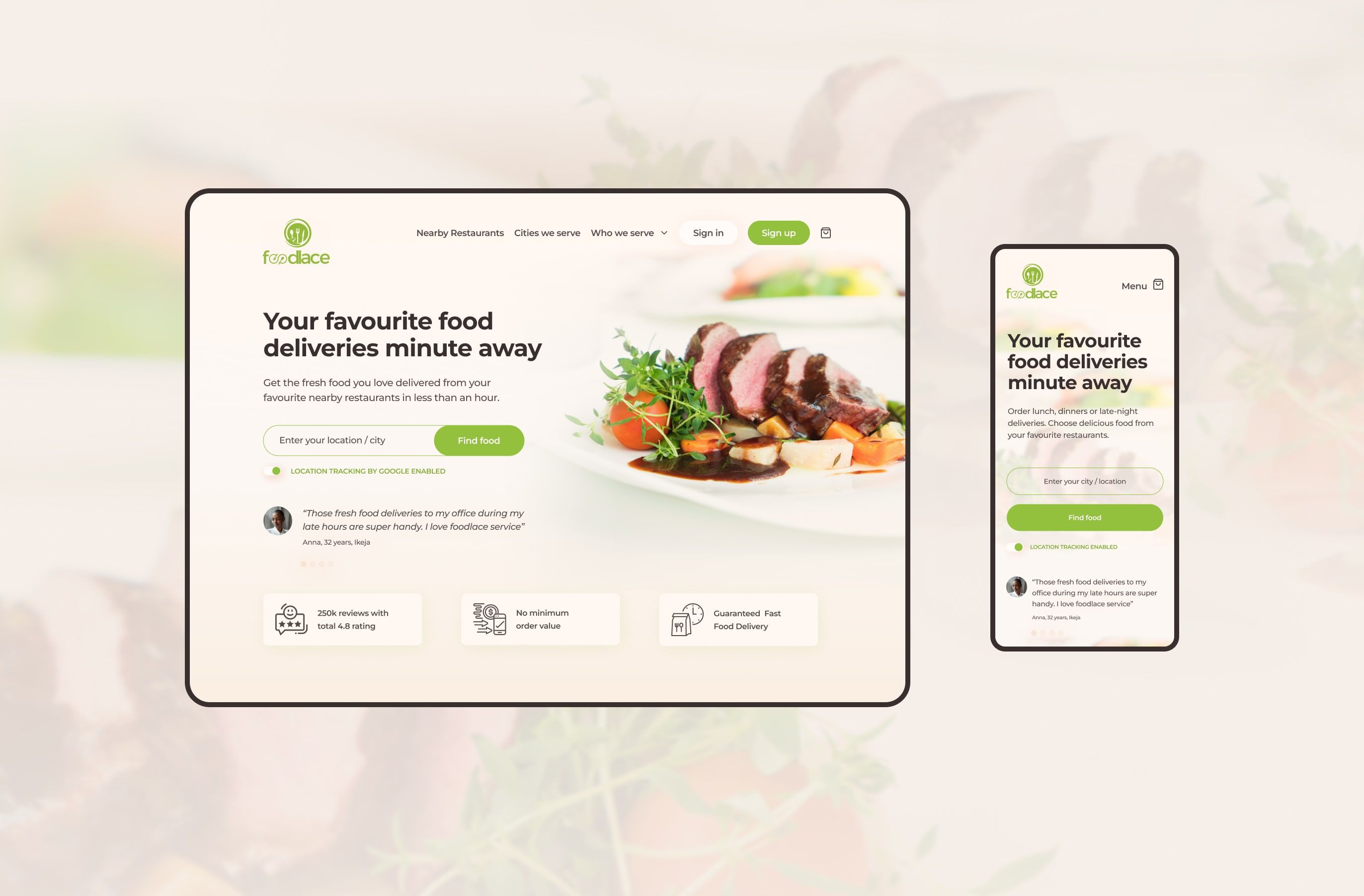
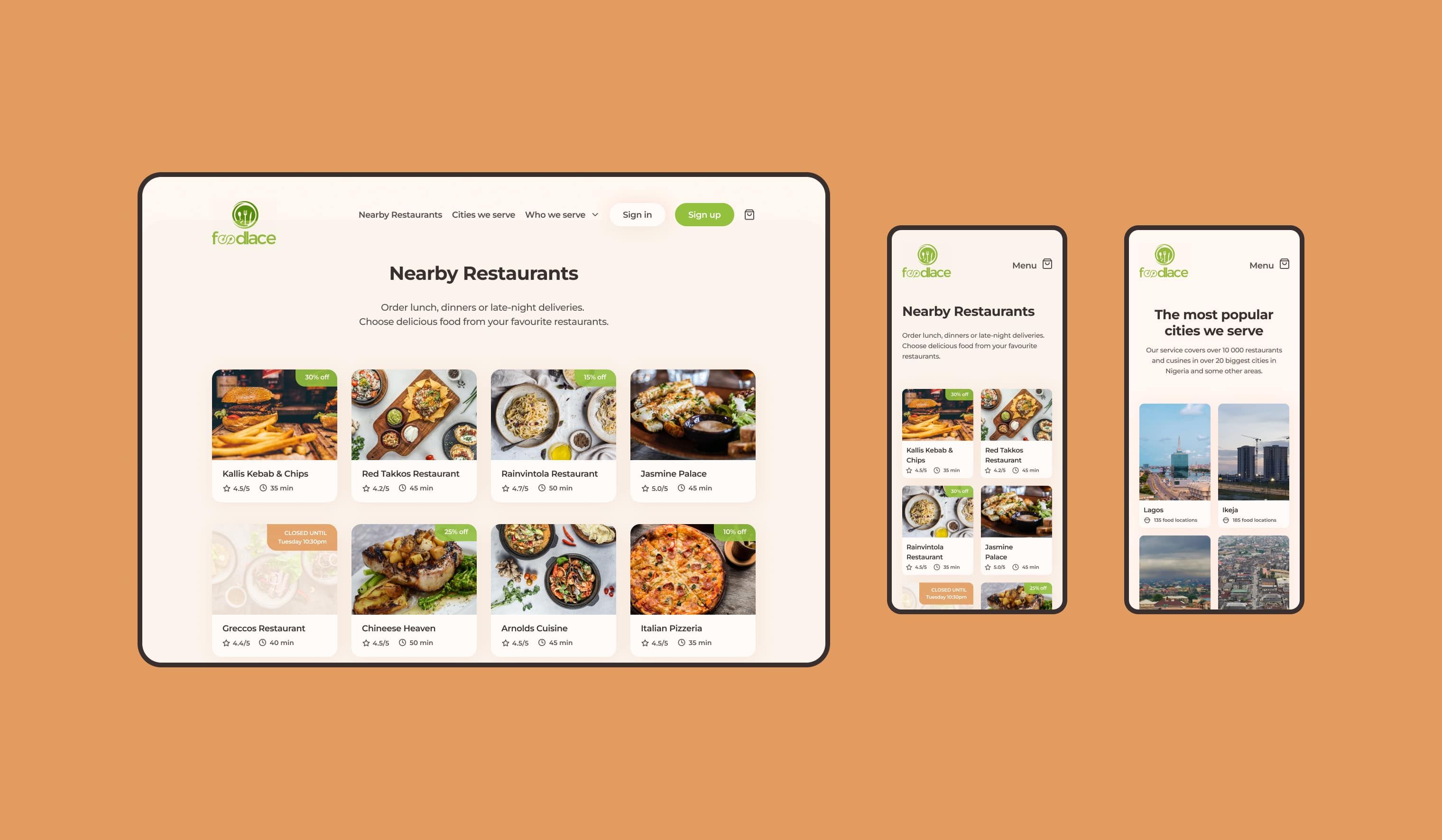
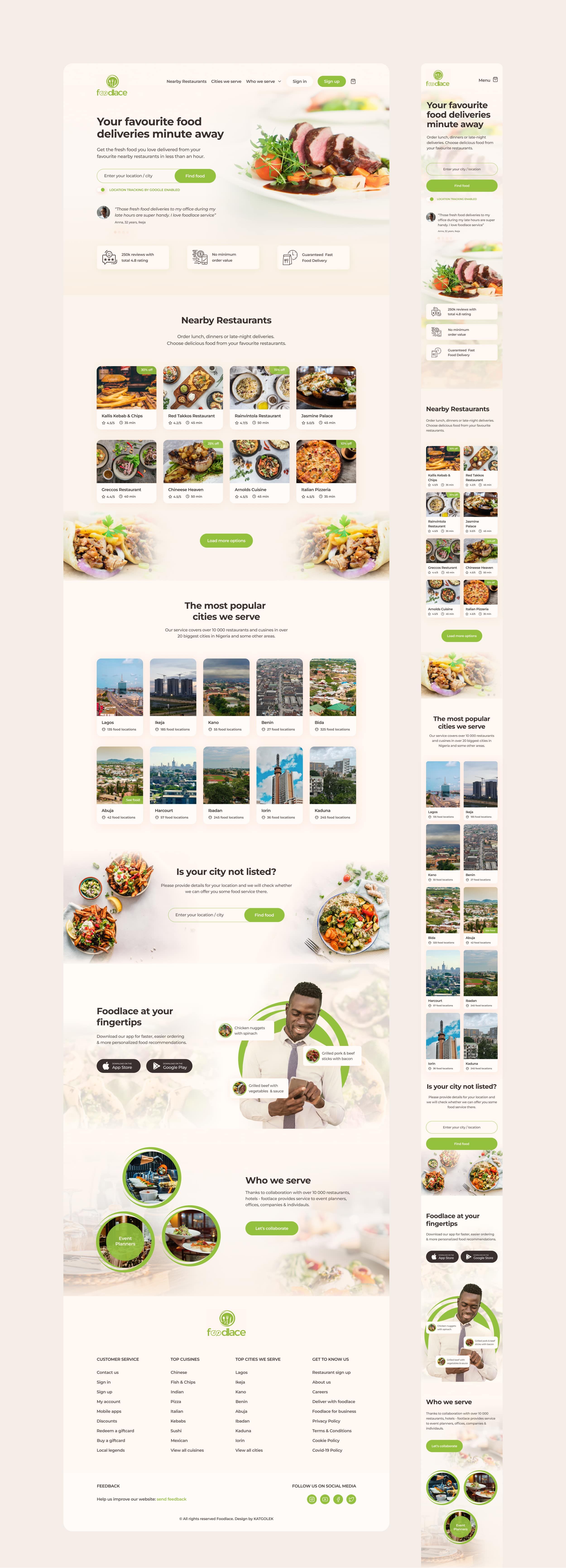
The home page renders differently depending on whether the customer has switched on location tracking or typed a city or address into the banner. Nearby restaurants show their rating, delivery time and any discount, and a restaurant that’s closed is greyed out with the time it opens again. If a city isn’t served yet, the customer can leave their location so Foodlace can check whether it could deliver there.
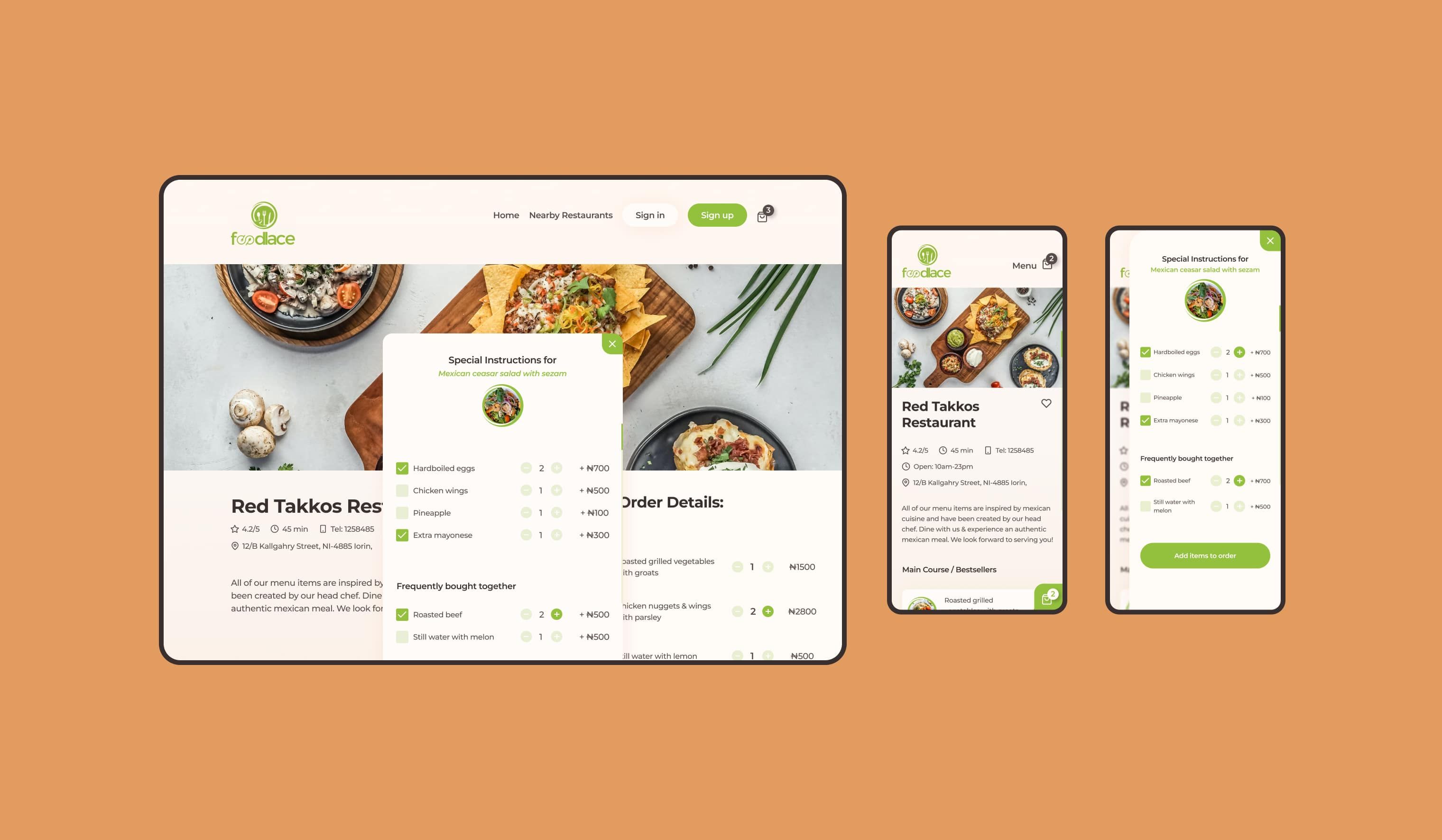
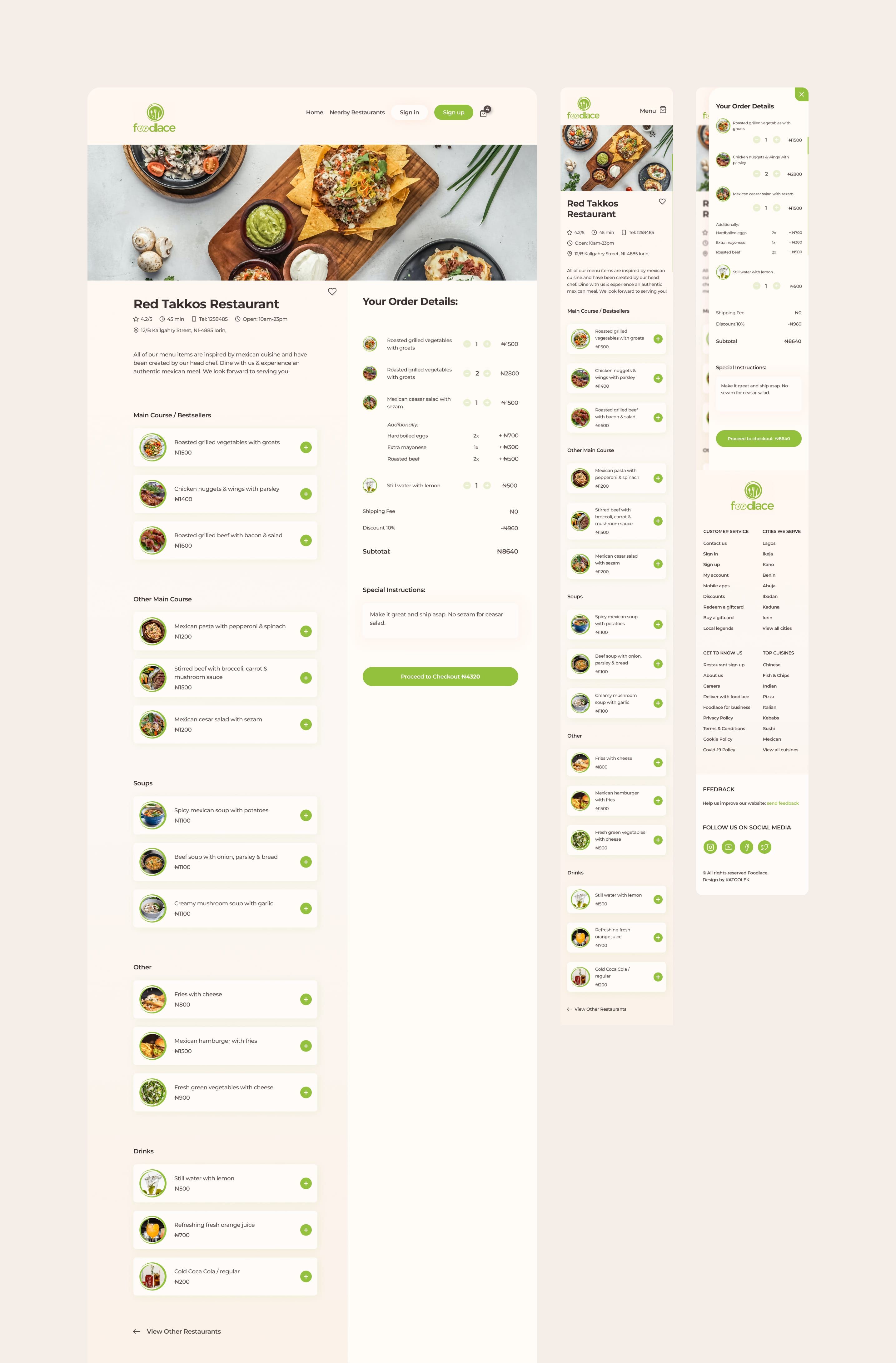
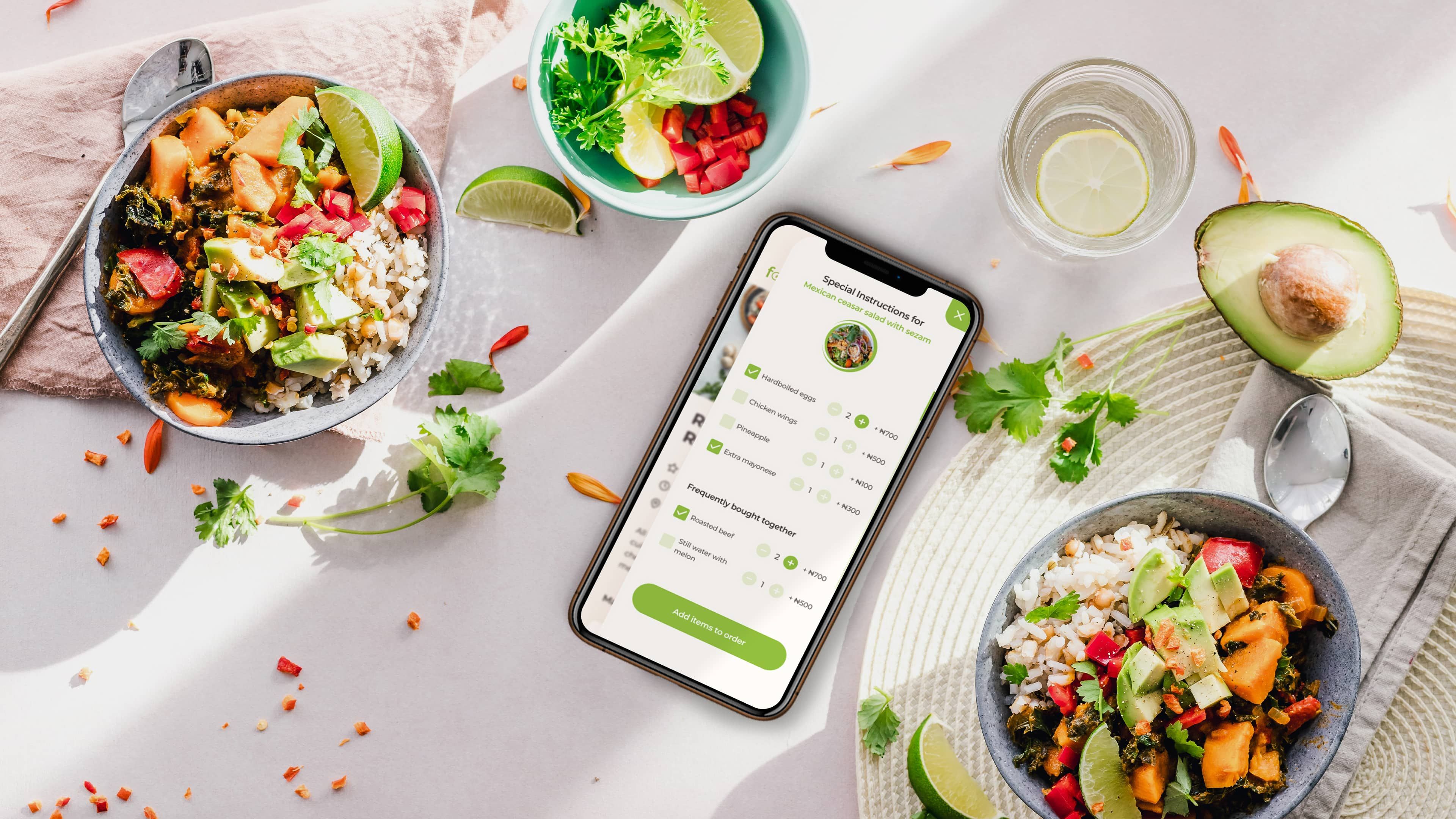
A restaurant page only takes orders while the restaurant is open. On desktop the menu and the order sit side by side. Choosing a dish opens its options, with extras and items often bought with it, and the order panel adds up the extras, discount and delivery fee and takes special instructions before checkout. On a phone the order slides in over the menu.
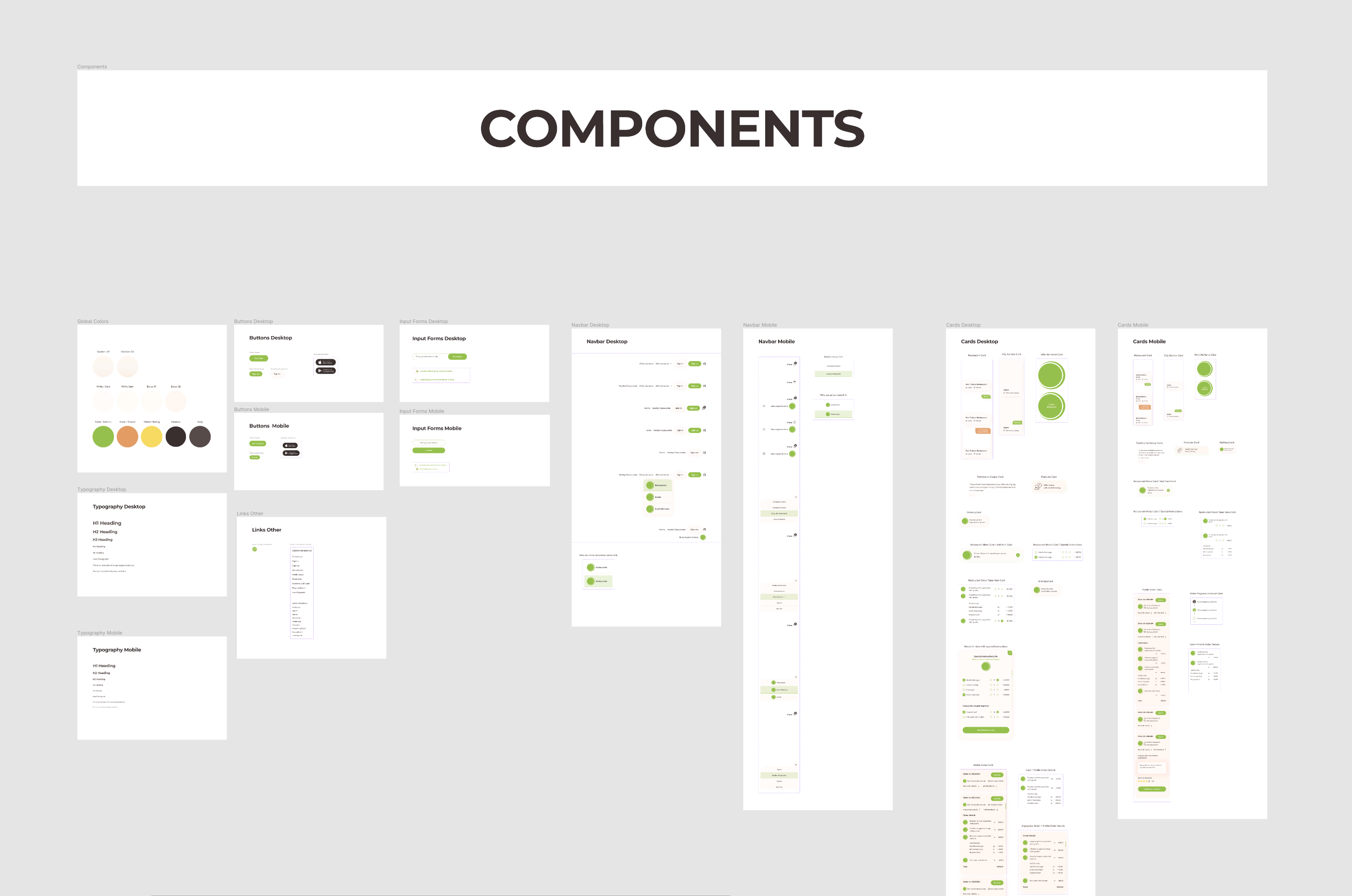
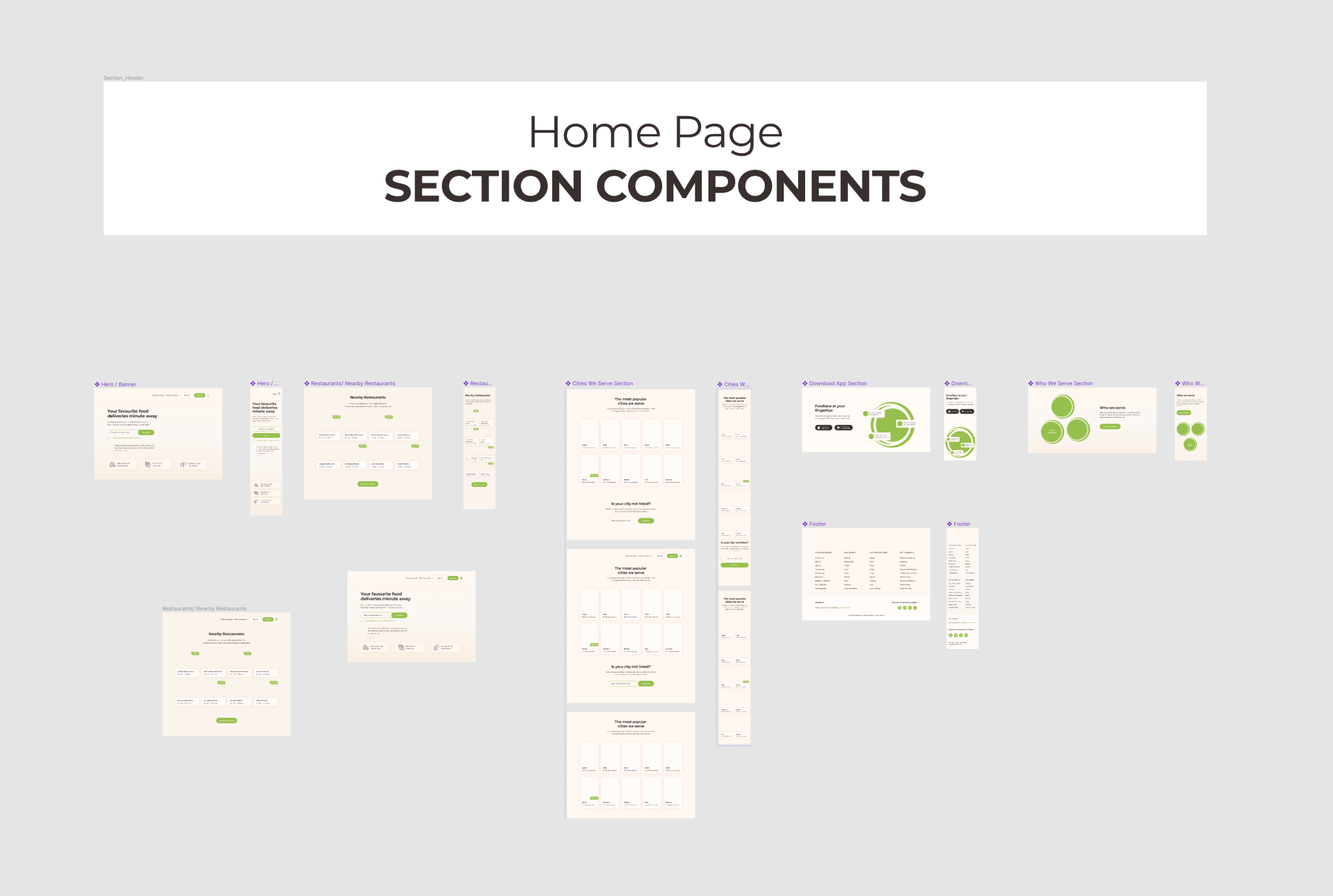
All the screens are built from one set of components in Figma, with desktop and mobile versions of the colours, type, buttons, forms, navigation, cards and home-page sections.







Outcome
A complete ordering experience built around changing context.
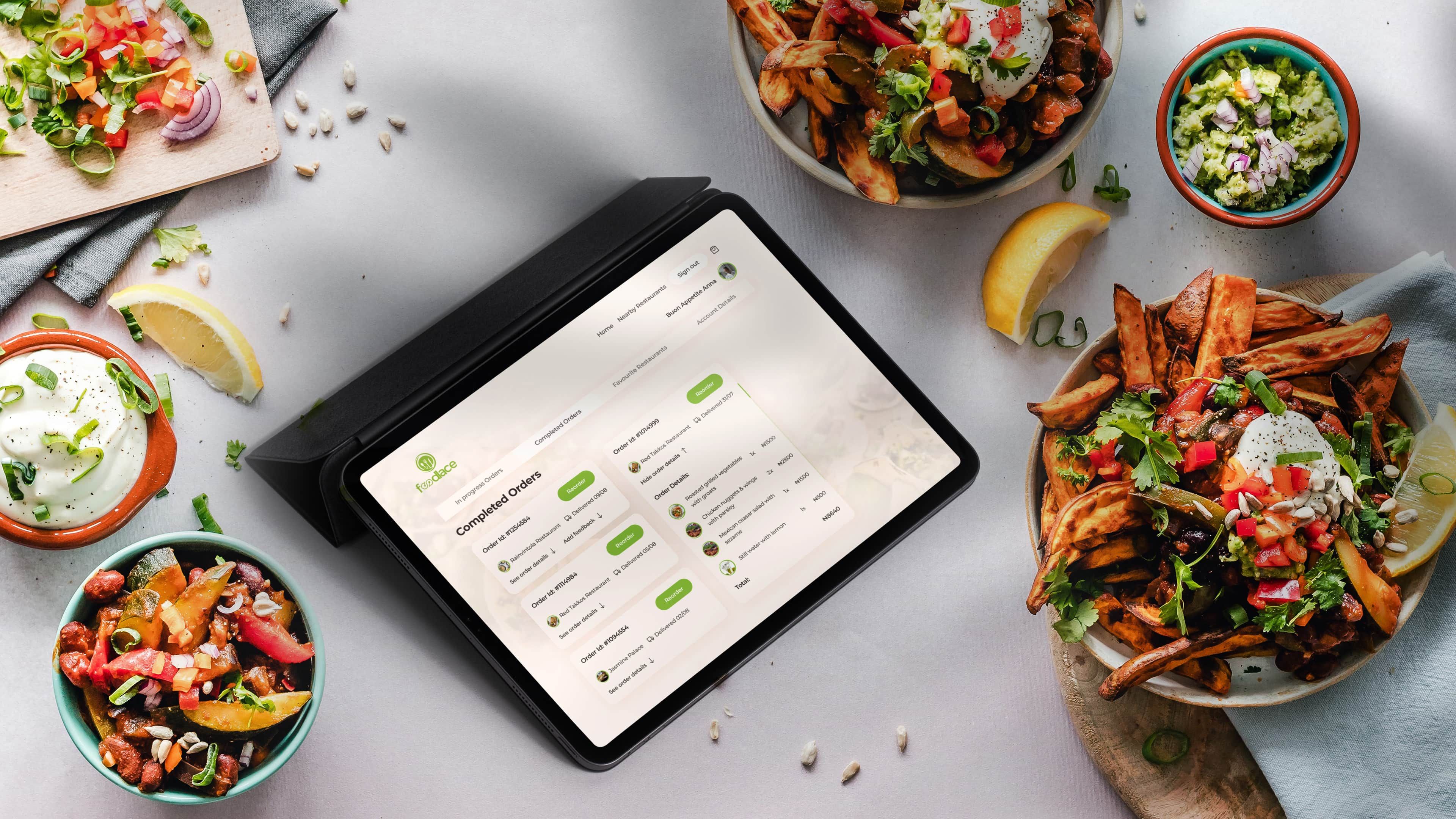
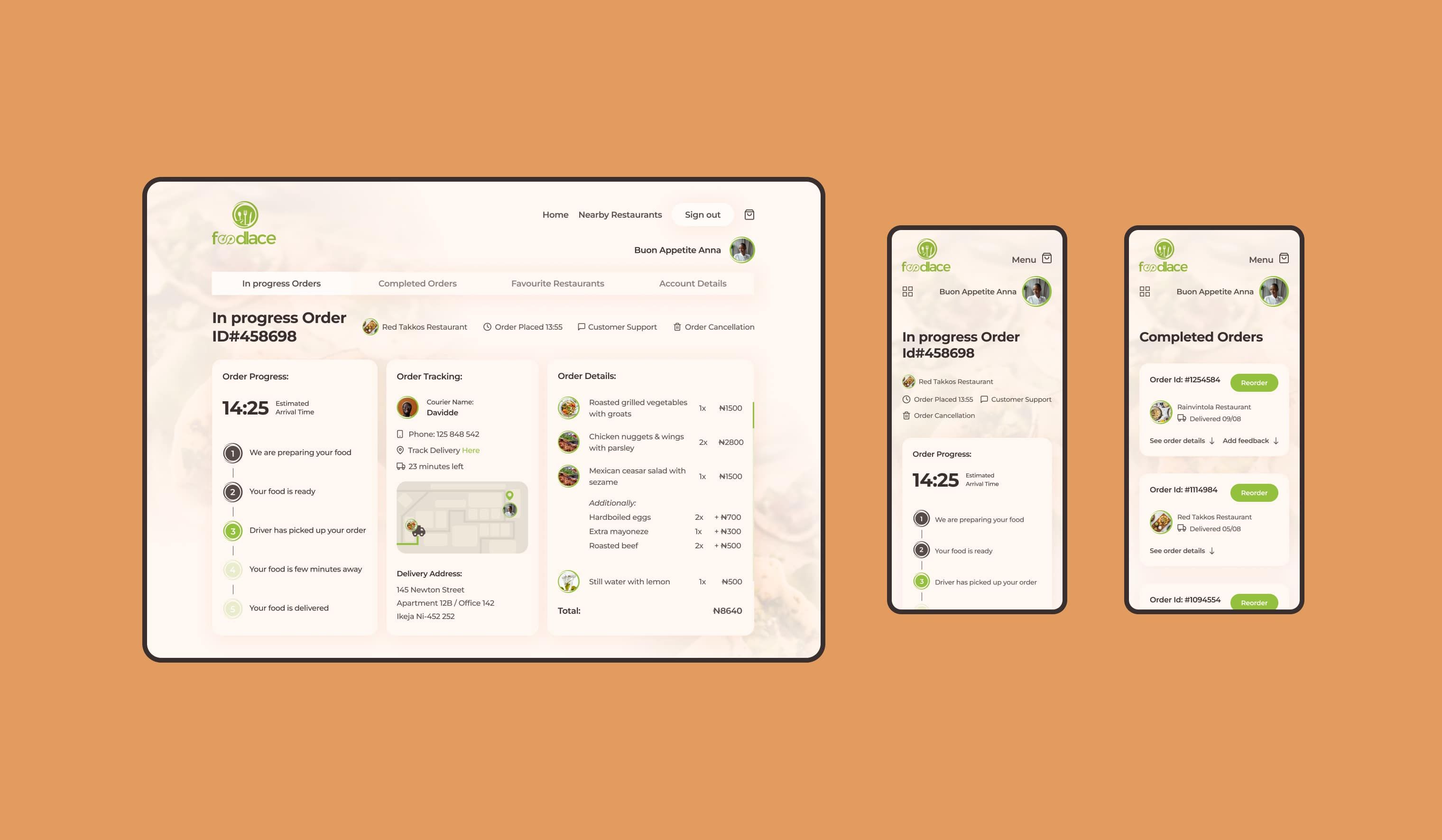
After an order is placed, the account area takes over, with tabs for orders in progress, completed orders, favourite restaurants and account details. An order in progress shows the estimated arrival time, five stages from preparing the food to delivery, the courier’s name and phone number, a map, and options to contact support or cancel. Completed orders can be opened, reviewed and reordered.
I made interactive prototypes of the main ordering and account flows for desktop and mobile. The video at the top of this page is taken from them.
It shows how I approach products where the same screen has to behave differently depending on the situation: I work out the states first and design the screens from them.