

- Client
- The Beaders
- Role
- UX/UI design
- Scope
- Customer journey and information architecture, responsive interface design and interaction prototyping
- Year
- 2022
- Tools
- FigmaBlender
Context
Making the brand feel distinctive without making the shopping experience complicated.
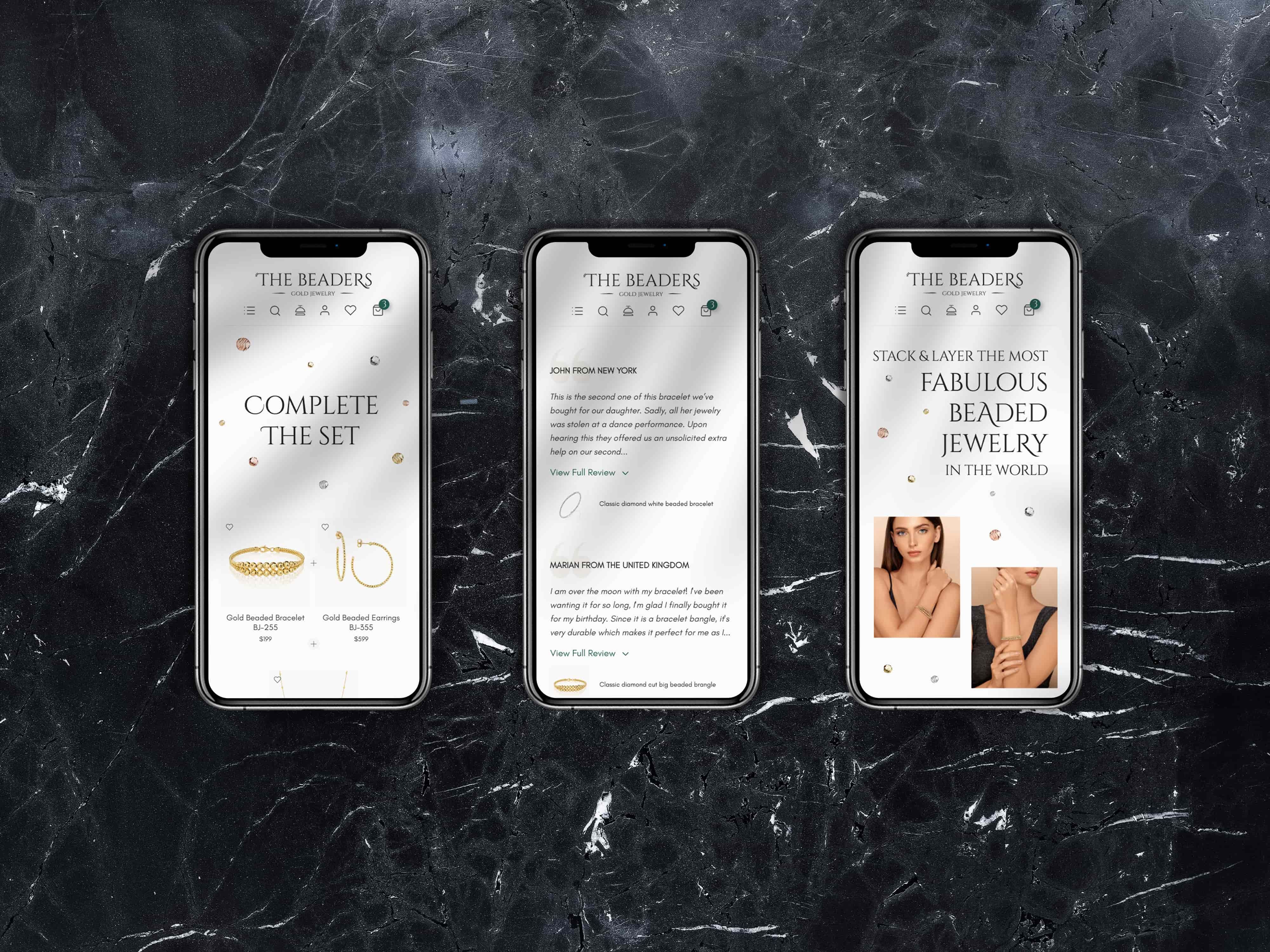
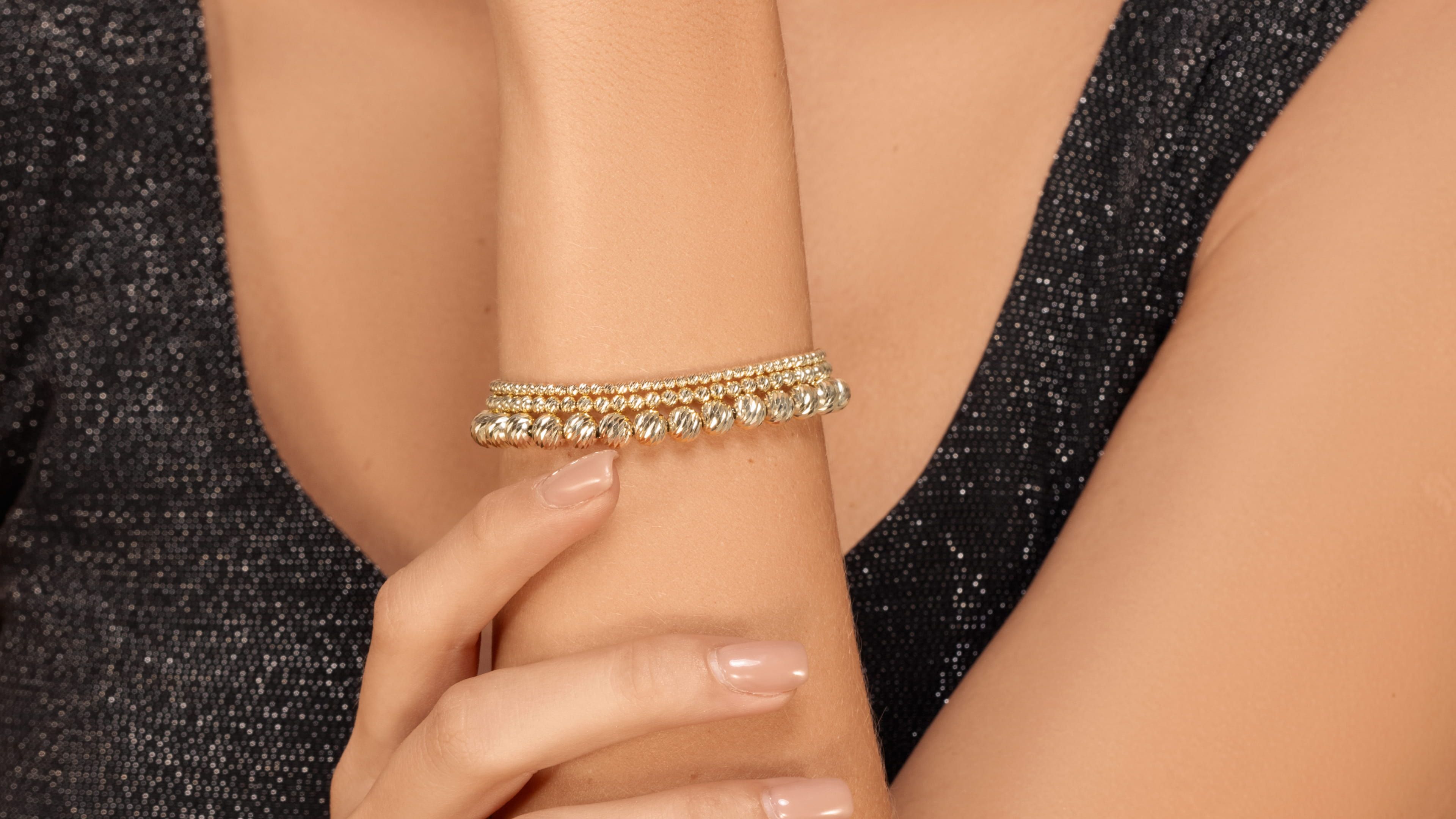
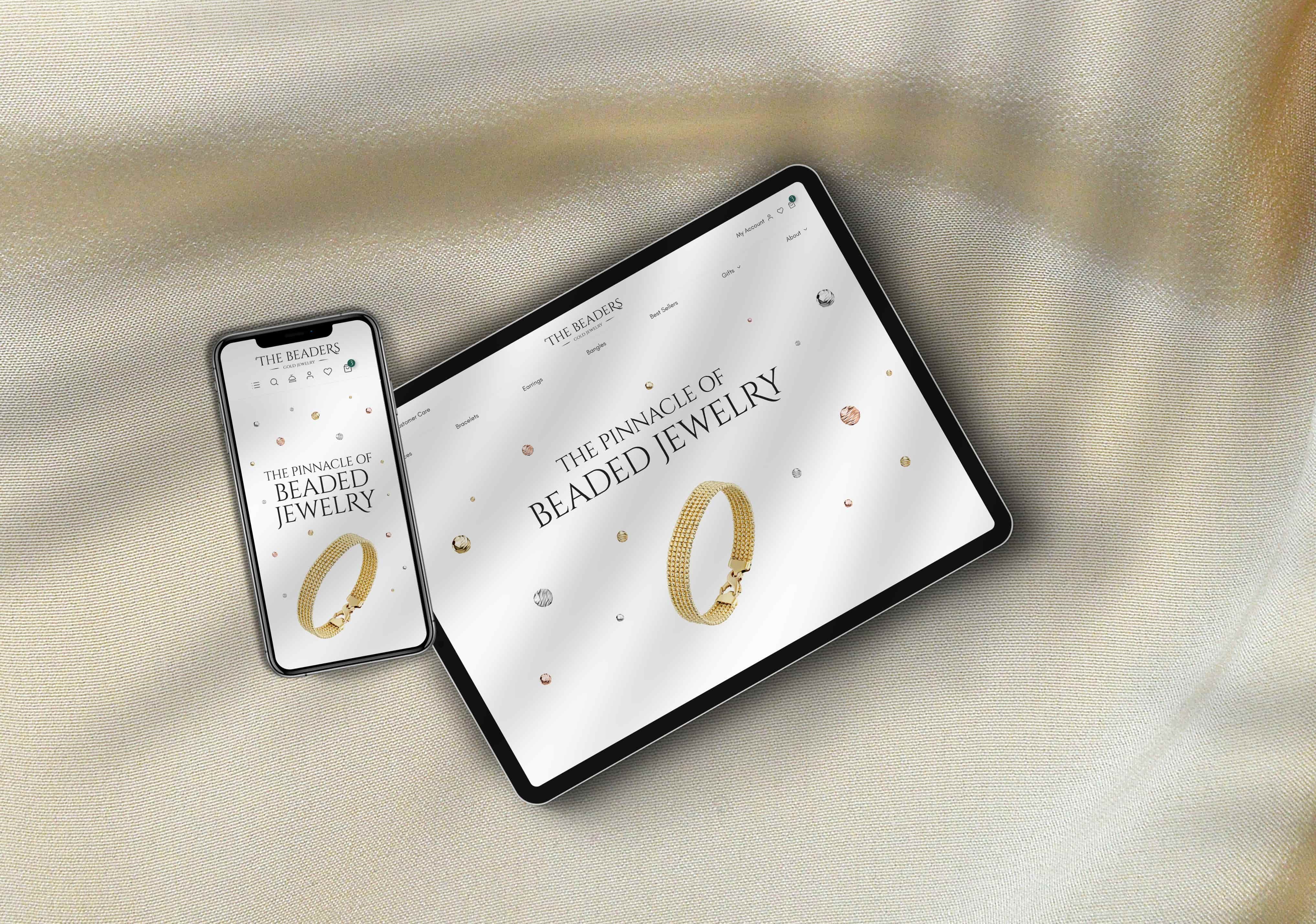
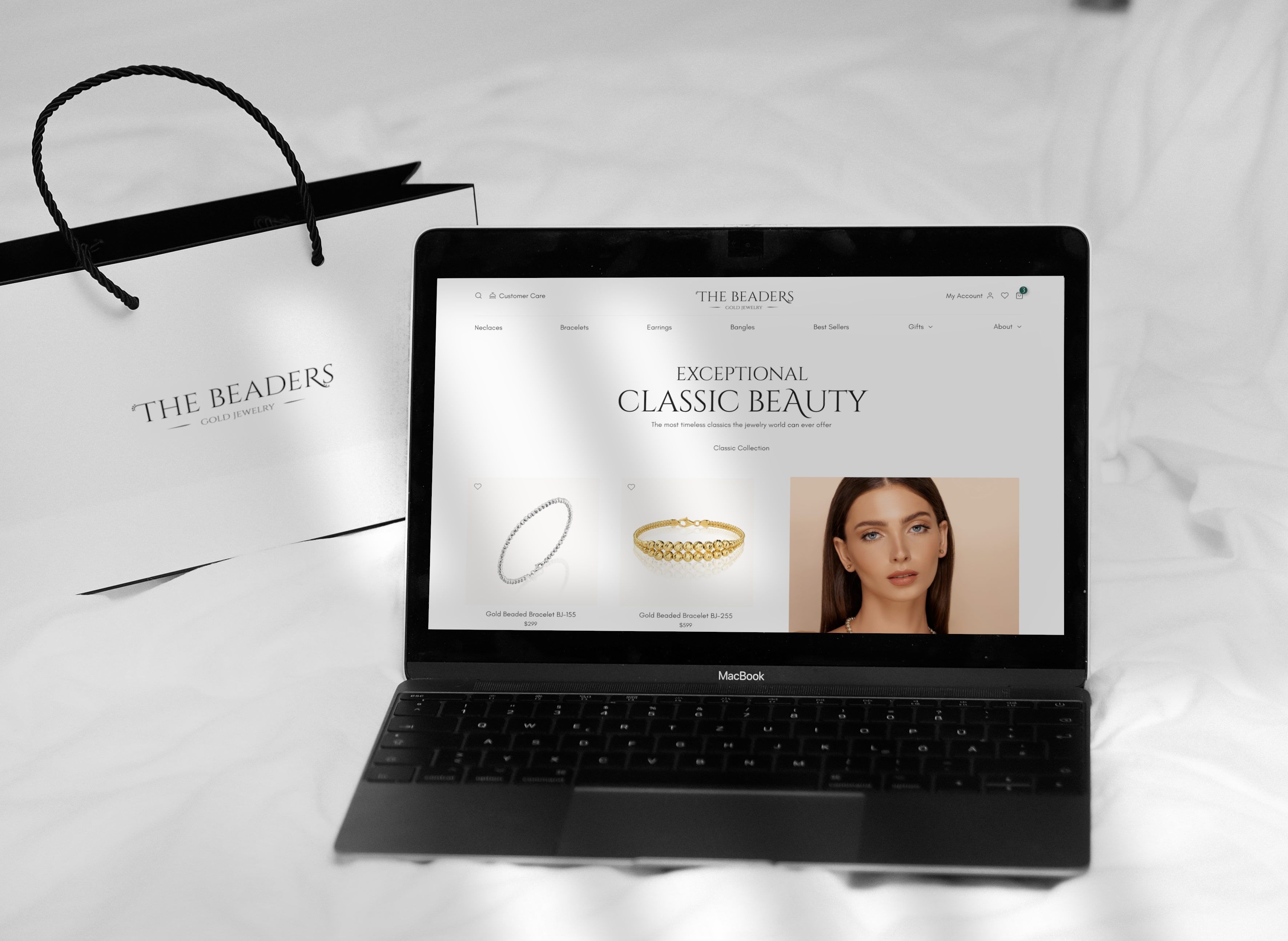
The Beaders was a client project for a premium jewellery brand, and my part was the UX and UI design of its online shop. The shop had to show the character and quality of the brand, and everyday shopping on it still had to be straightforward.
Jewellery is bought on how it looks, so the products needed to stay in focus on every page. Customers also had to browse collections, compare pieces, check the details, manage their bag and get through checkout, and the editorial layer couldn’t get in the way of any of it.
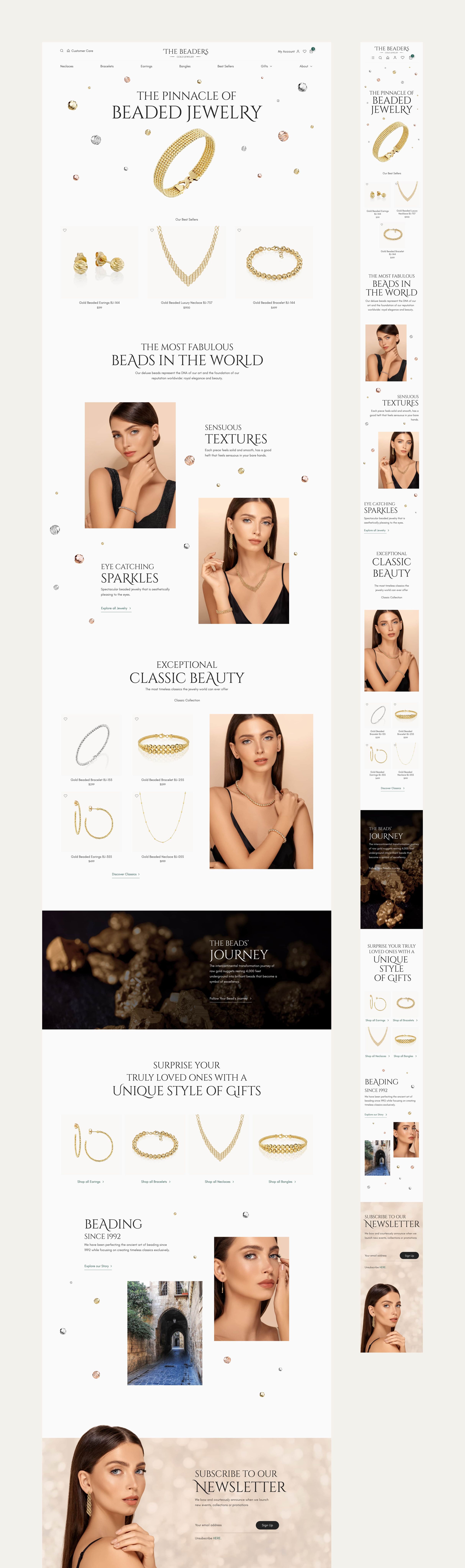
I designed around that tension. The visual storytelling happens at the entry points, and underneath it is a shopping structure people already know from other shops.


This is how The Beaders evaluated my work
If you're looking for a highly talented, patient, kind, professional ux/ui designer with attention to details and clear communication in order to create spectacular designs, you're in the right place. I can't recommend Kate enough!
Customer journey
One system across the entire shopping journey.
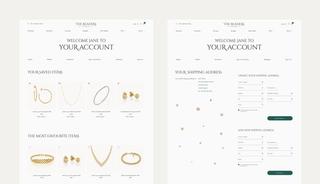
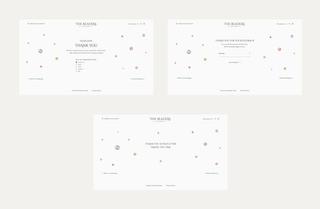
I designed the journey from discovery to purchase: the landing page, collection browsing, product detail, the bag, checkout and the account area.
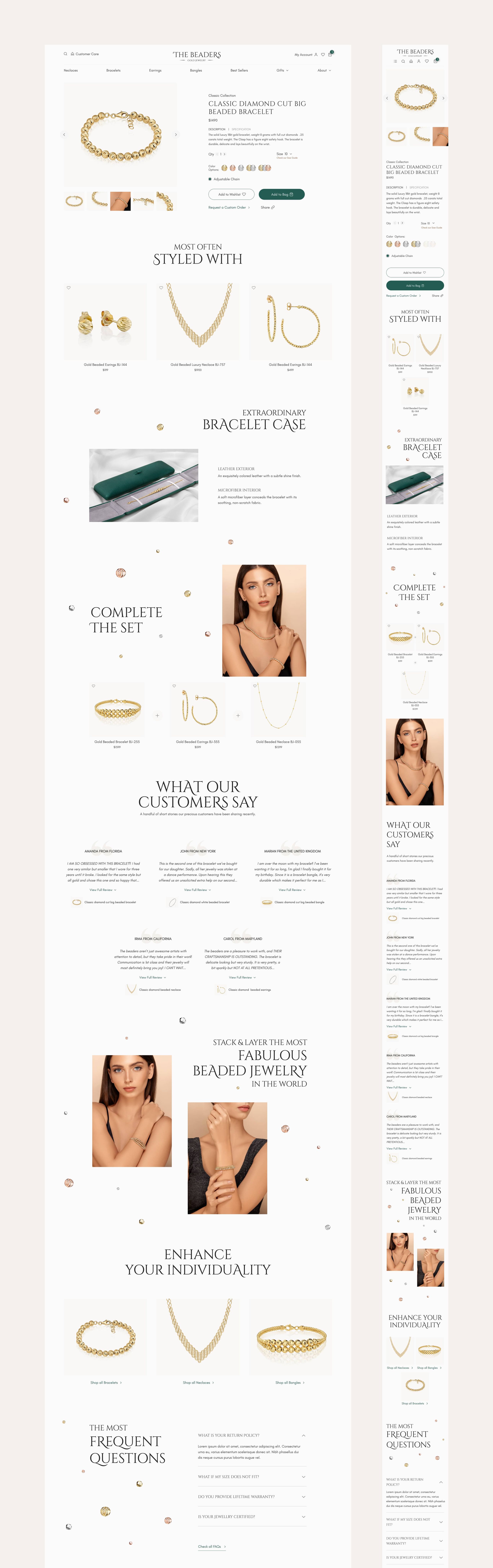
Every stage uses the same interaction patterns. The landing page and product pages have room for big photography and storytelling. The shop listings, bag and checkout are quieter and more familiar, and moving between them still feels like one shop.
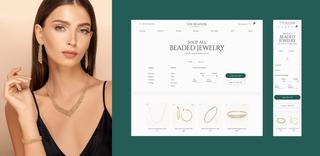
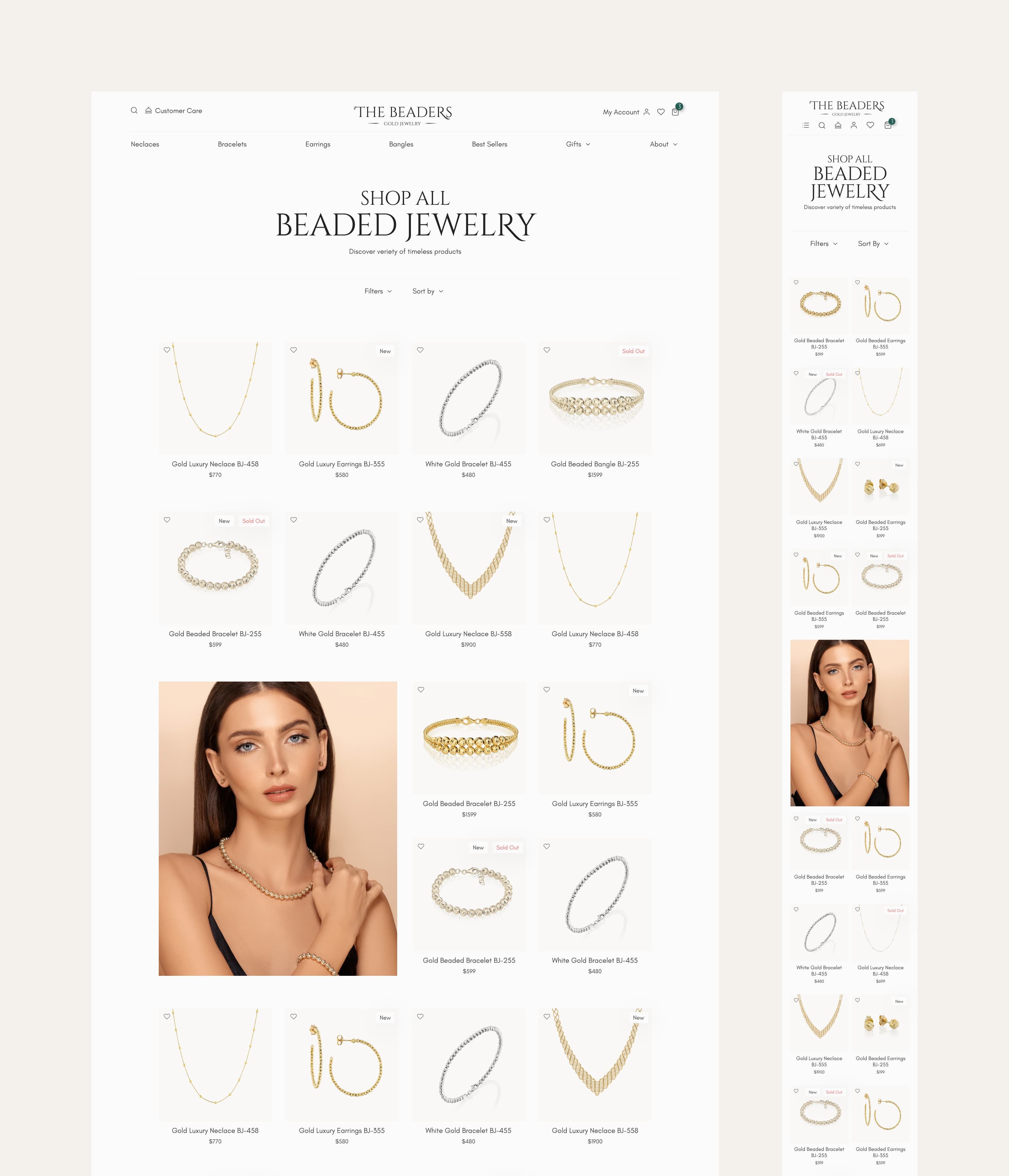
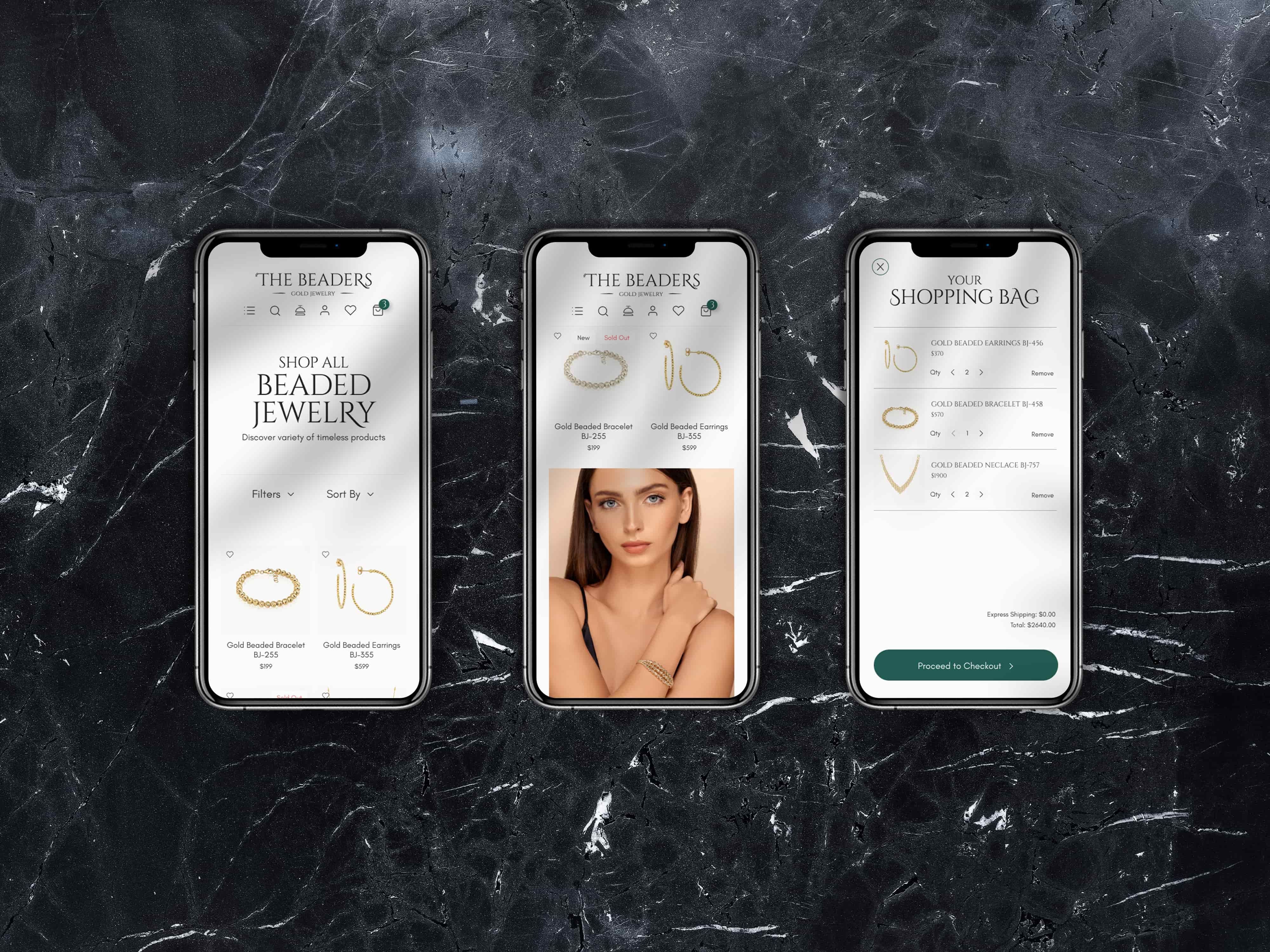
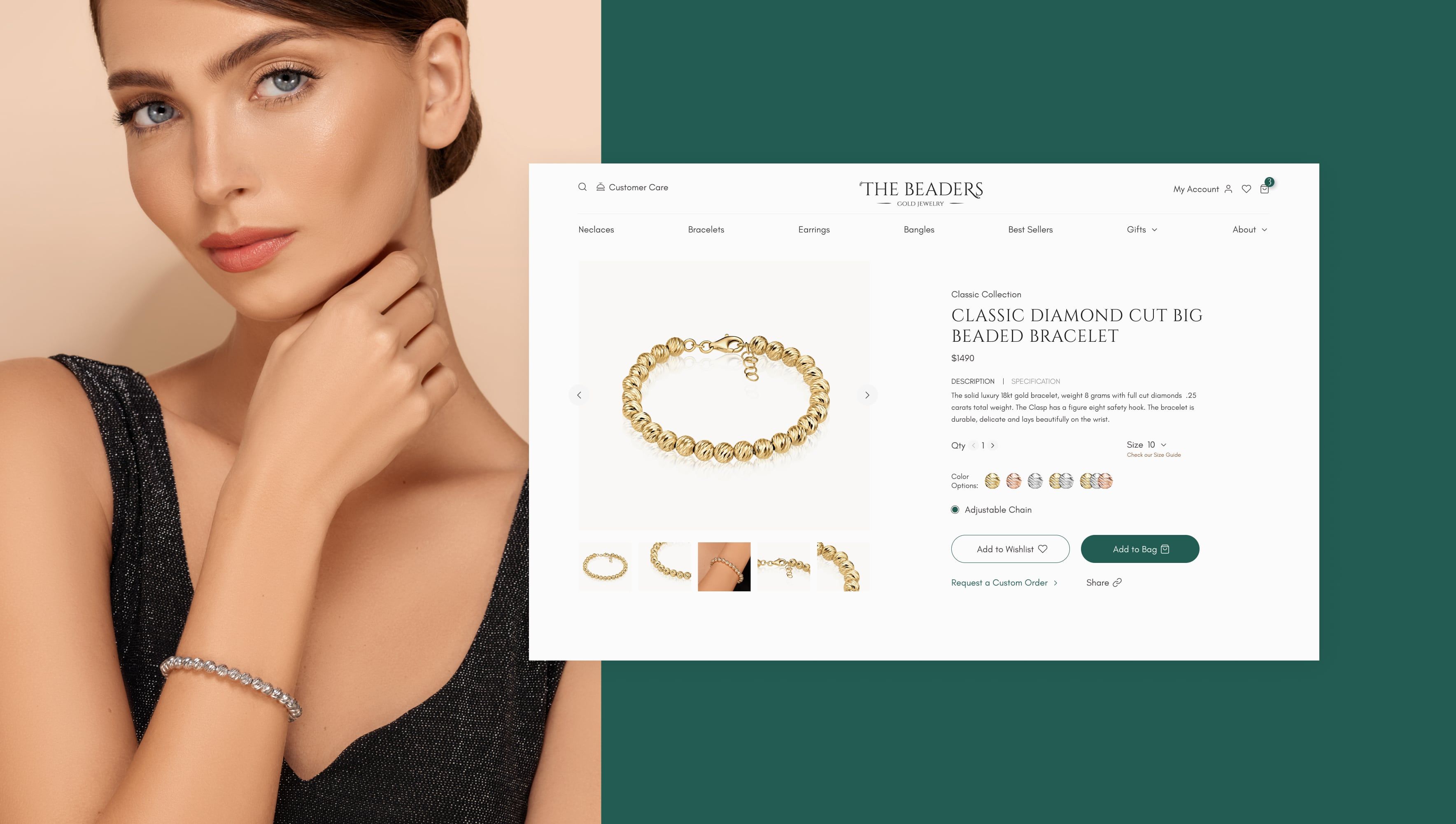
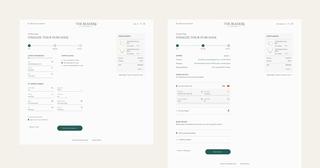
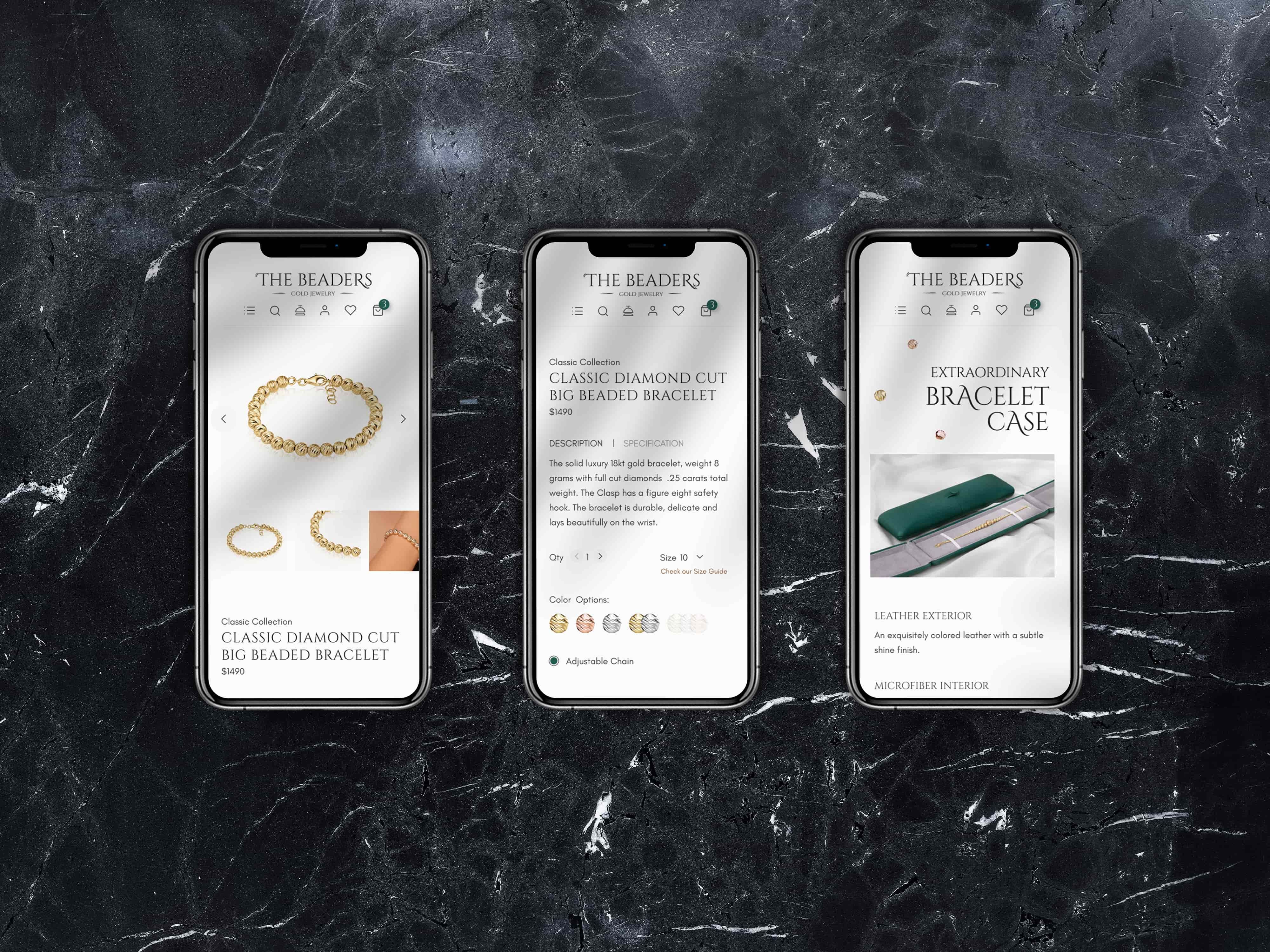
Product information and actions show up where they’re needed. Filters for category, material and price open in a panel above the product grid. On the product page, size, colour and Add to bag sit next to the photos, with styling ideas, reviews and FAQs further down. At checkout the category menu goes away, a three-step progress bar shows where you are, and the order summary stays on screen.











Visual and interaction design
Let the product carry the visual weight.
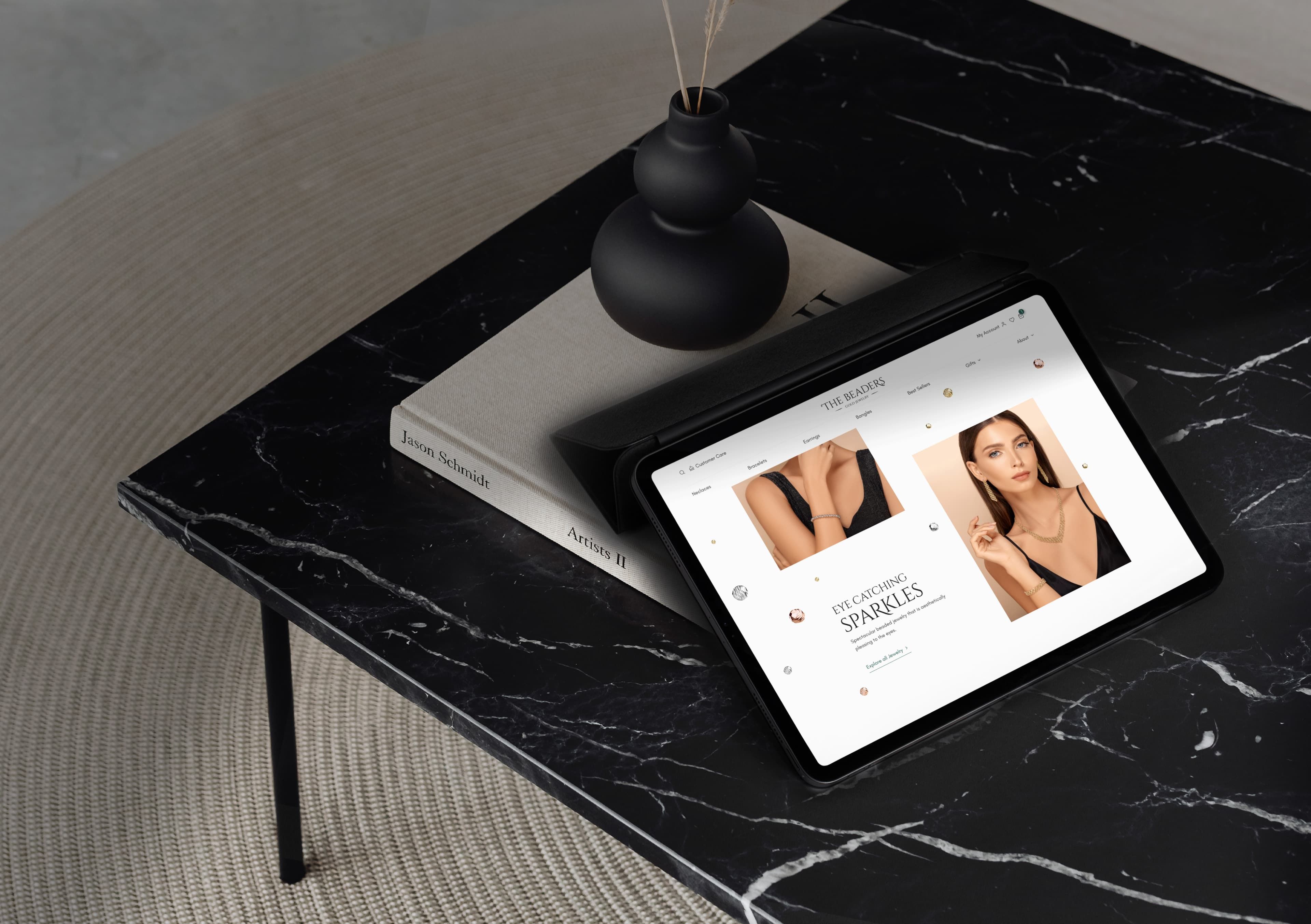
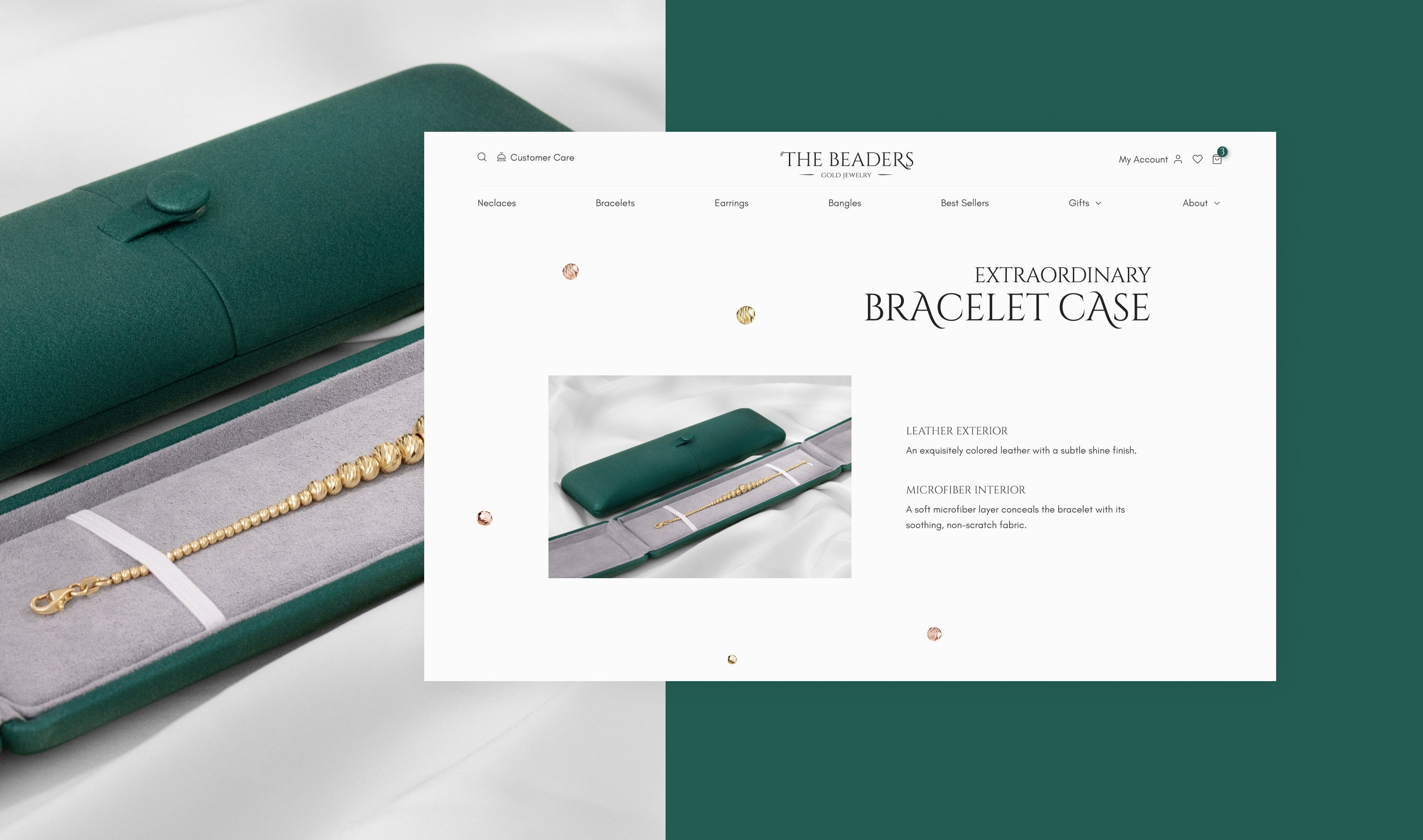
Composition, scale and plenty of white space keep attention on the jewellery, and the interface stays in the background.
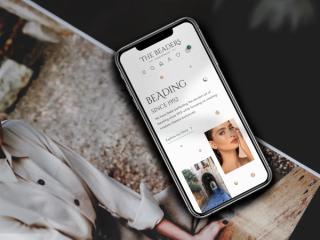
I treated motion as a supporting layer. I prototyped page-entry transitions and scroll animation on the landing page, for desktop and mobile, to see how much movement the shop could take before it started competing with the products. I recorded the prototype animations in Blender.





Design system
Every component documented for how it looks and how it behaves.
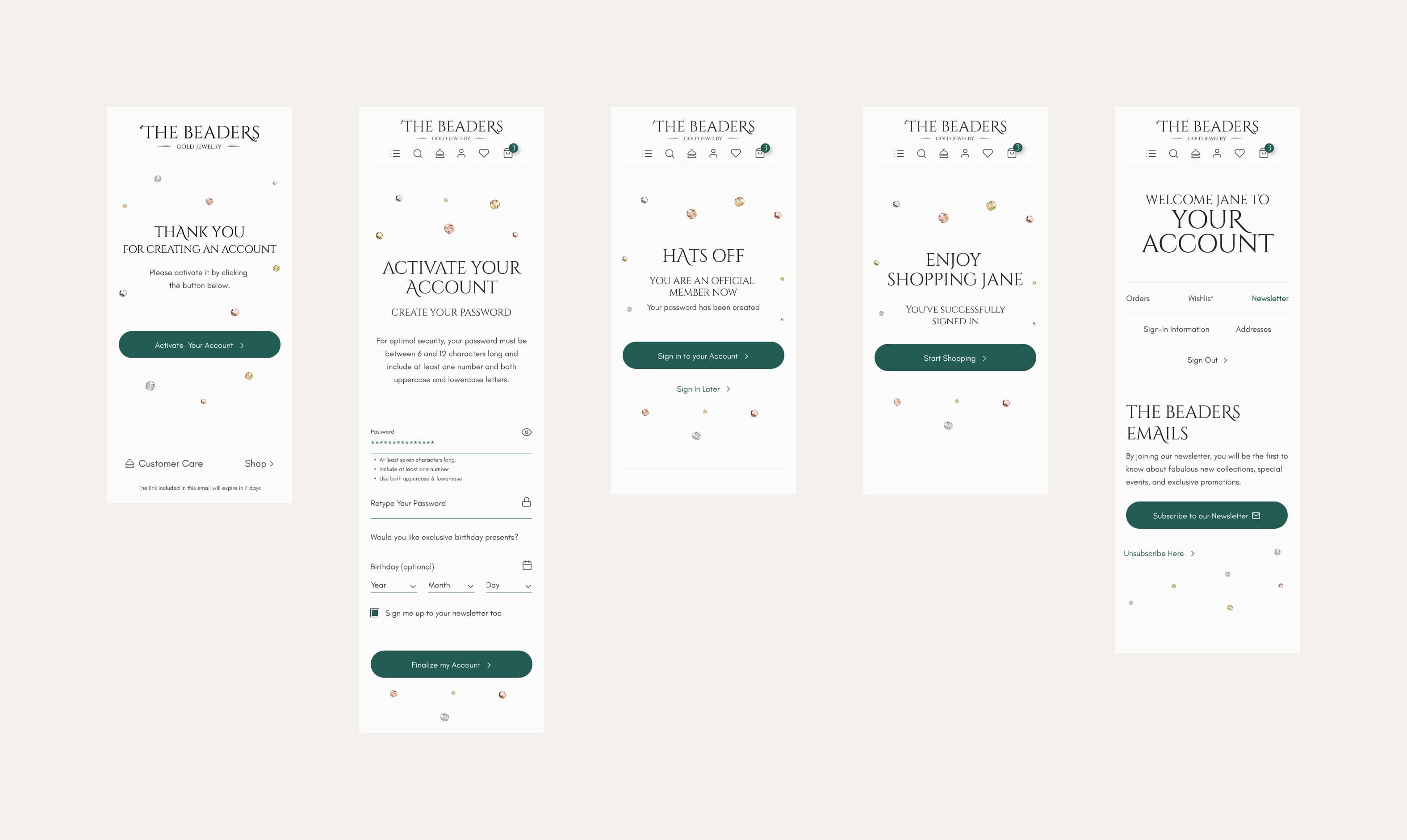
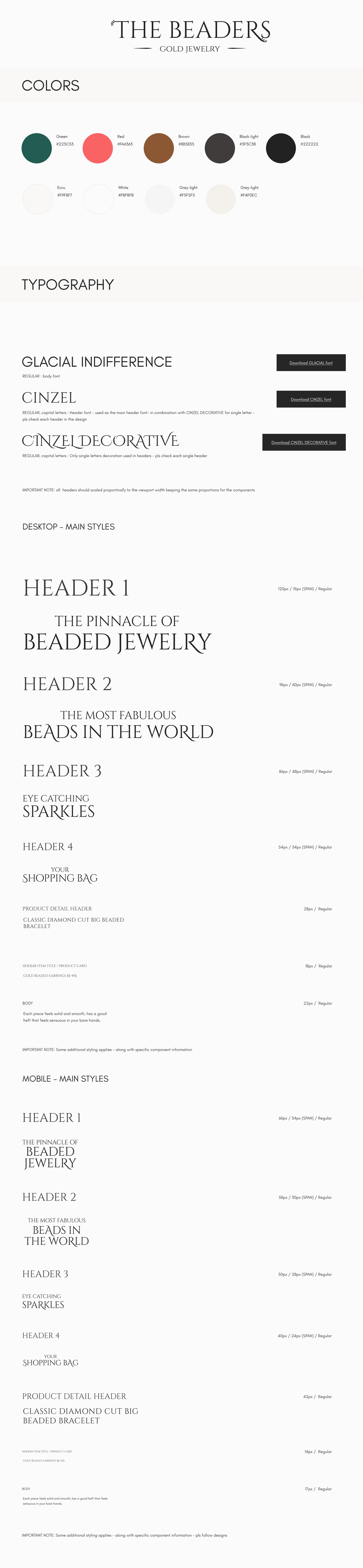
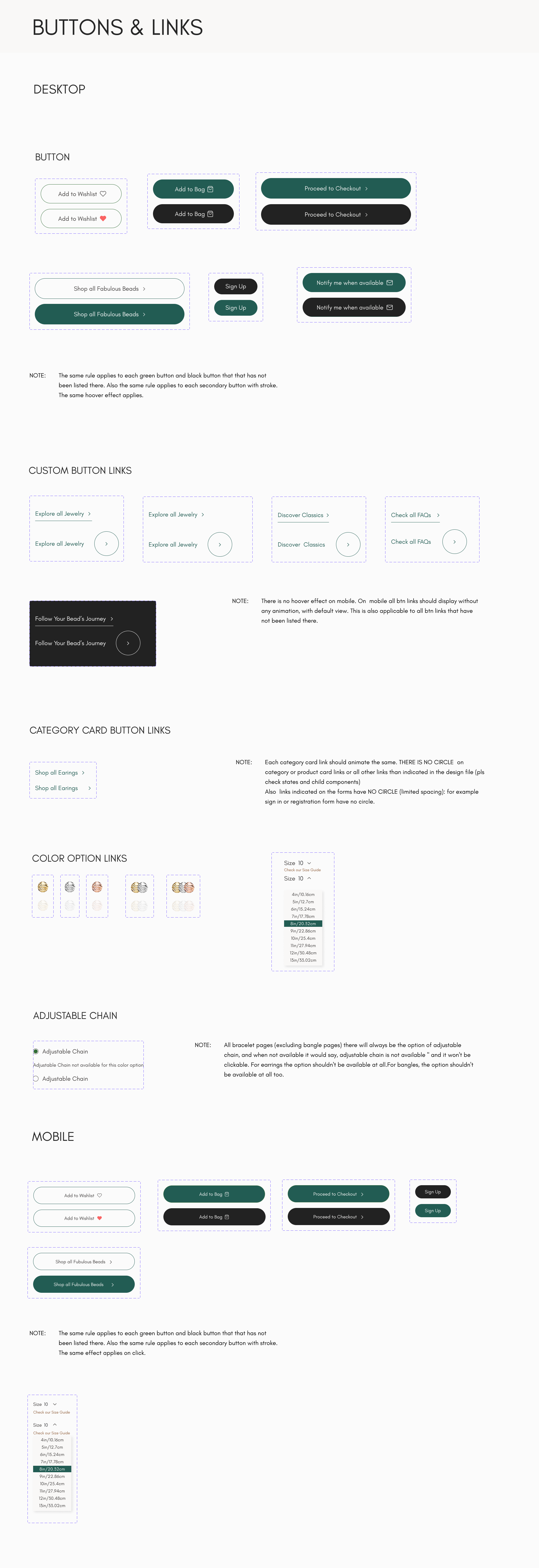
Behind the screens is a design system for desktop and mobile: colours, typography, grids and the shop’s components, from buttons and links to forms, cards and the header.
The boards describe behaviour as well as looks, with notes for development. When a product sells out, Add to bag becomes Notify me when available, which opens a sidebar where the customer leaves an email. The adjustable chain option appears on every bracelet, shows as unavailable when a colour doesn’t offer it, and never appears on earrings or bangles. On mobile, buttons and links drop their hover animations.
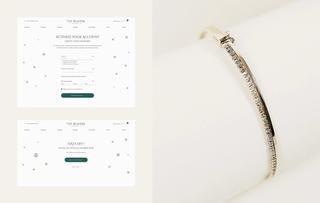
The forms are drawn in the states a customer can run into: a mistyped email, a password that misses the rules, an address that’s already subscribed, a search with no results. The error messages are written out too, so a failed login says the email and password don’t match any account.






Responsive design
The experience scales without losing its character.
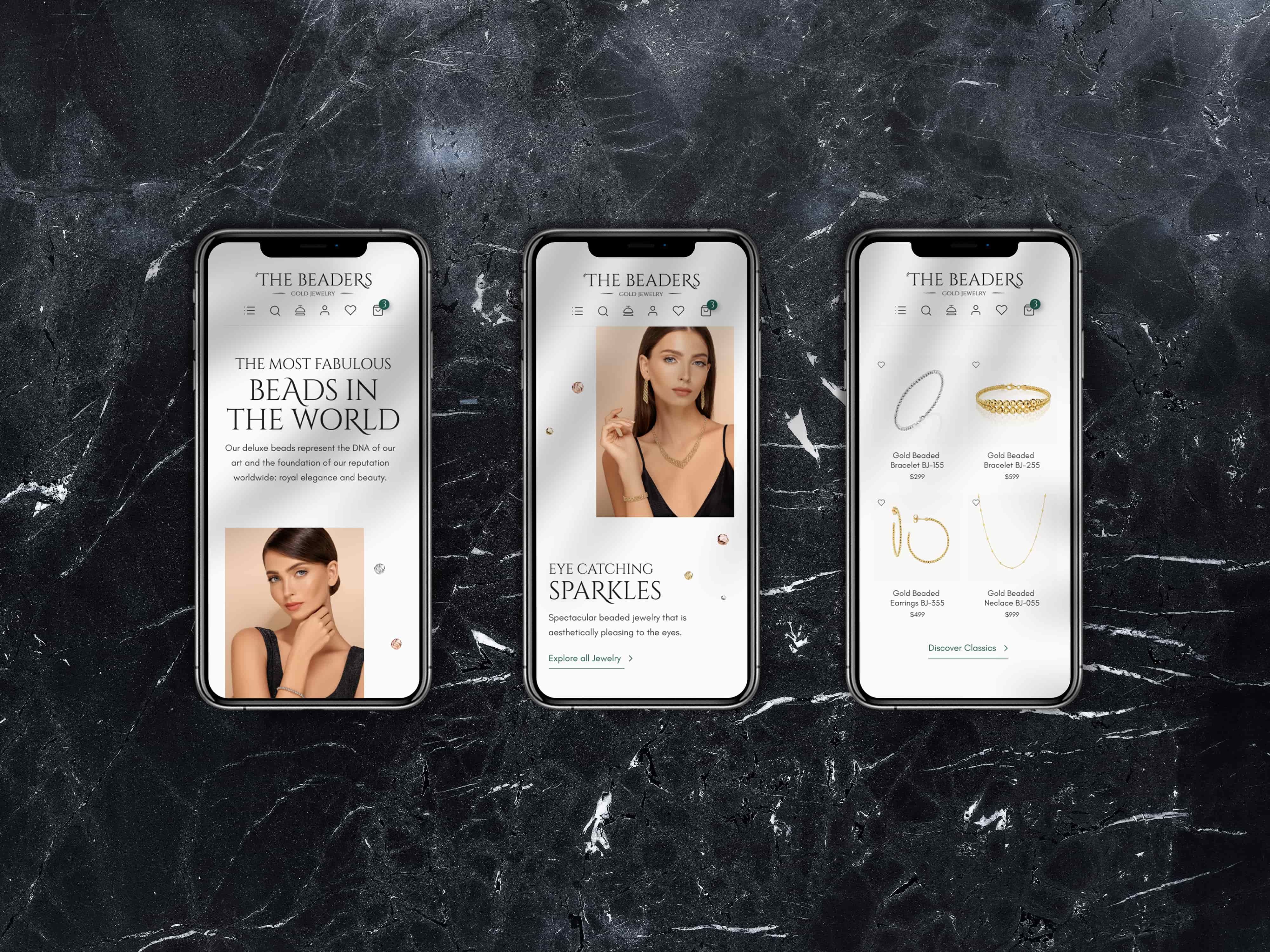
I designed the layouts for desktop and mobile, adjusting image composition, navigation, product information and interactions to the space available.
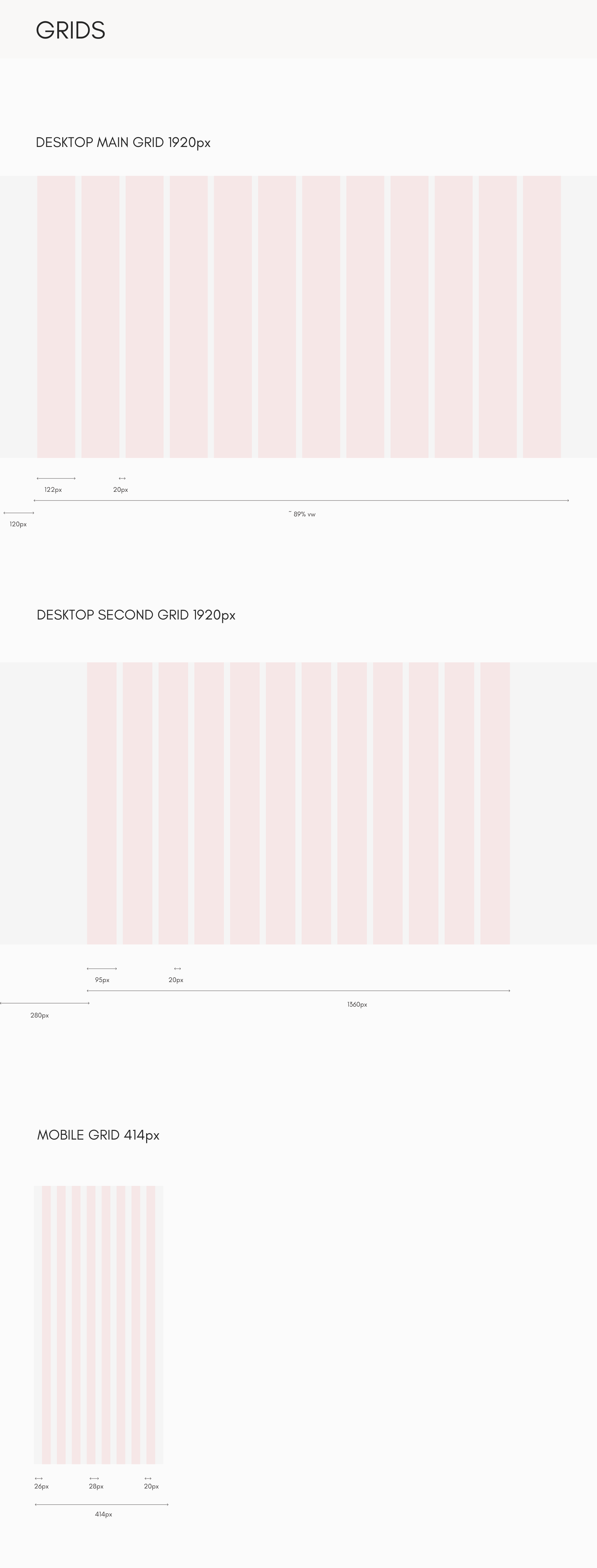
They sit on a 12-column desktop grid, in a full-width and a narrower 1360px version, and an 8-column grid for a 414px phone. Headings scale with the width of the screen, and the type scale has its own sizes for mobile.
On a phone the hierarchy stays the same. The jewellery comes first, and browsing and buying stay easy to reach: filters fold into accordions, and on the product page the purchase options sit straight under the photos.

Outcome
A premium shopping experience that keeps brand and usability in balance.
The design carries the visual style of a premium jewellery brand through a complete e-commerce journey, from the first impression to the order confirmation.
The designs and prototypes show that editorial layouts and motion can sit alongside the practical parts of online shopping and leave them easy to use.
It shows how I approach products where the look and the usability both have to hold up.